 +
+
For a seller planning a first TikTok LIVE, the question is rarely “how do I turn on the camera?” The hard question is whether the product has one clear thing worth proving in real time. A good first stream is a small research test: it gives a shopper a reason to watch, gives the host a proof moment to show, and gives the team a way to decide what to change next. This guide gives you a Product Proof Plan you can use before you book a host, ship samples, or buy extra stock.
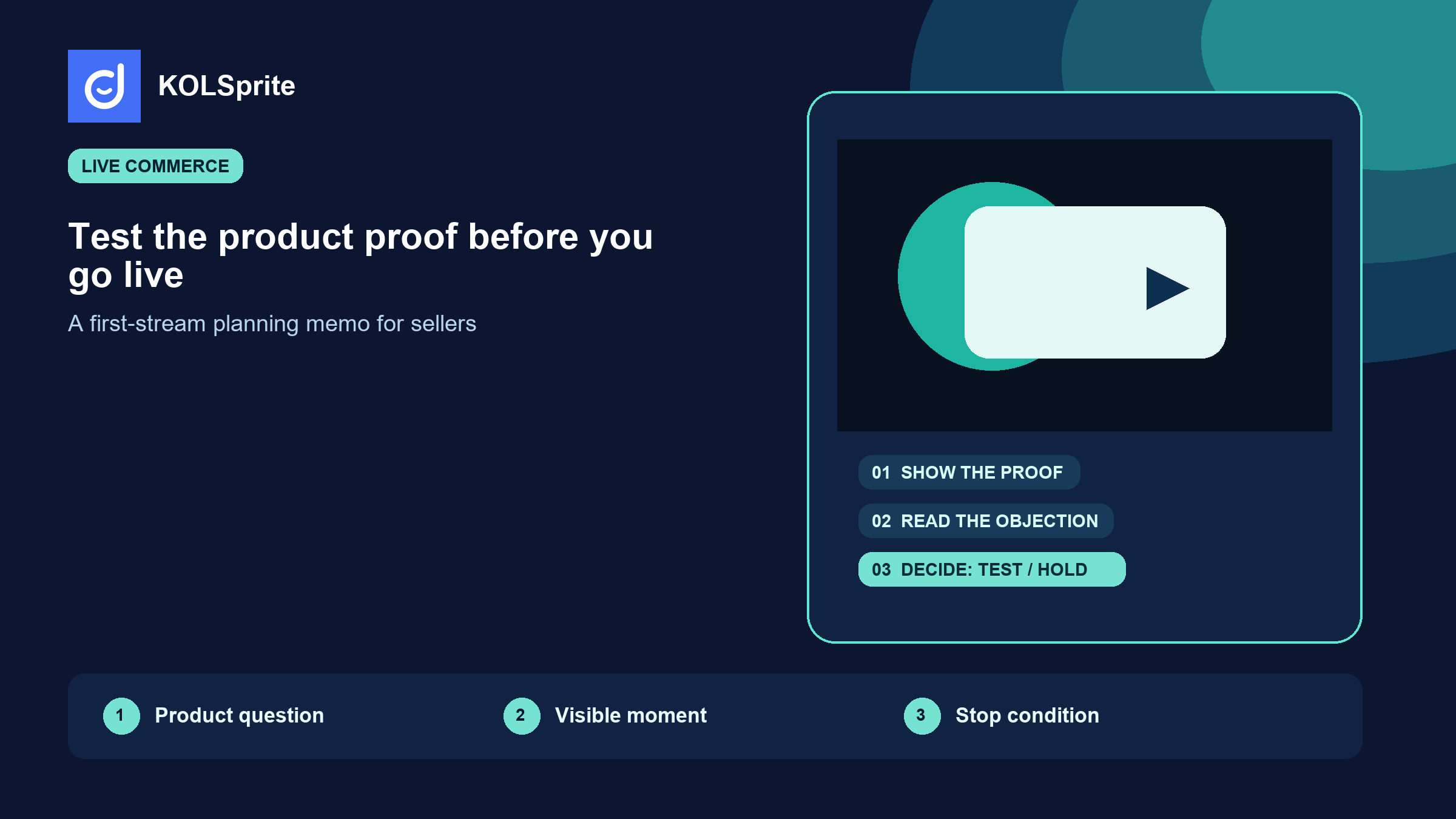
Start TikTok live selling with one product question, one visible proof, and one stop condition. Do not make your first LIVE a catalog tour. If the team cannot name what a viewer should see, ask, or understand by minute five, wait until it can.
New sellers often plan a LIVE around duration. They set a two-hour slot, add discounts, and hope the chat tells them what to do. That approach creates a lot of activity and very little learning. A shorter session with a defined product question is more useful. It lets the team look at whether the demonstration made the claim clearer, whether a familiar objection appeared, and whether the host had enough material to answer it without guessing.
TikTok describes LIVE as a real-time format with comments and interactive features, and it notes that access and features can vary by region and account. The platform also controls eligibility and the tools available to a host, so check the current in-app requirements before you schedule a commercial event. TikTok's LIVE help page is the right source for those changing platform details.
Your product question should be narrow enough to prove on camera. “Will people buy this?” is too broad. “Can someone see how this drawer organizer fits a shallow cabinet without removing every item?” is a usable question. A host can show the cabinet, the fit, the setup time, and what does not fit. That leaves the viewer with something they can judge.
Use this one-page memo before you decide that a product deserves a live test. It is deliberately stricter than a run-of-show. A run-of-show tells the host what happens. This plan tells the team why the session exists and what it can honestly prove.
| Field | What to write | What a weak answer sounds like |
|---|---|---|
| Product question | The practical uncertainty a viewer has before buying. | “Show the product.” |
| Proof moment | The visible action that answers the question. | “Talk about quality.” |
| Objection to listen for | The one doubt that changes the next demonstration. | “See what chat says.” |
| Bounded offer | The current offer and any conditions the host can state accurately. | “Make it sound urgent.” |
| Stop condition | The signal that says do not extend, repeat, or restock yet. | “Keep going if views are low.” |
Source scope: a decision framework for public TikTok research, prepared August 25, 2026. It is not a TikTok performance benchmark or a promise that a LIVE will convert.
Here is what a filled version can look like. A seller of a compact garment steamer may write: product question, “Will it smooth a travel shirt fast enough to replace packing a larger steamer?” Proof moment, “Steam one wrinkled shirt on camera from a cold start.” Objection, “Will it leak or work on delicate fabric?” The stop condition could be simple: if the team cannot answer that objection with verified product information, it does not turn the clip into an ad claim or extend the offer.
Use KOLSprite to review supported public videos, creators, products, and comment context while your team decides what a first live demo should prove.
Register and claim a three-day trial
You do not need to invent the proof moment from scratch. Start by looking at public videos where the category appears in a real setting. Watch for repeated framing: a hand comparison, a before-and-after, an awkward setup, a comment asking for the same clarification, or a creator changing the way they introduce the item. Those are research leads. They do not prove demand, margin, or compliance.
This is where KOLSprite has a practical role. On supported TikTok pages, its extension can keep video and creator research close to the content you are already reviewing. You can narrow a larger set of public videos, inspect visible context, save examples, and move a small set into a planning memo. The useful output is not “this is a winning product.” It is a short evidence set that helps a person decide which product question to put on camera first.
For a first LIVE, collect examples in three columns: the visible setup, the proof action, and the question left unanswered. The unanswered column matters. If five videos show the same cleaning brush on a dirty pan but none show whether it works on coated cookware, that gap might be a useful demo. It might also signal that the claim needs product verification before anyone says it live. The memo should hold both possibilities.
Several recent videos show the same use case and viewers ask a specific practical question.
Whether the seller has stock, safe claims, a viable price, or rights to reuse anyone else's video.
That division prevents a familiar mistake: treating a visible format as commercial proof. Public content can help you choose a demo. Your own operations still decide whether the product can be sold, shipped, supported, and described as planned.
A strong host does not need a script that sounds memorized. They need a sequence that protects accuracy. Put the product question first. Show the starting state. Do the proof action. Then pause for the objection most likely to matter. Only after that should the host mention the current offer.
That order also makes review easier. Someone on the team can watch the replay and ask four concrete questions: did the opening name the problem, did the camera show the result, did the answer stay within verified product information, and did the offer arrive after the proof? If the answer is no, the team knows what to change. It does not need to debate whether the host had enough energy.
Be especially careful with health, safety, performance, and comparative claims. A product demonstration can show what happened in that demonstration. It does not automatically support a broader promise. If a creator receives a free product or another material benefit, the relationship needs clear disclosure. The FTC's Disclosures 101 guidance says the connection should be clear and easy to notice; for a live stream, its guidance says disclosure should be repeated so people who join later can see it.
Join the KOLSprite Discord to compare product proof plans, demo objections, and the stop conditions that keep a first live test useful.
 +
+
Join the KOLSprite Discord community
Live comments can be valuable because they arrive at the same moment as the proof. They can also pull a new host away from the test. Set the decision rule before the stream. A repeated practical question may change the next demo. A request for an unverified claim does not. A product complaint may need support follow-up, not an improvised answer. A price question may need a confirmed offer, not a made-up discount.
Write two response lanes in the memo. The first lane covers questions the host can answer with product documentation or a visible demo. The second lane covers questions that must be parked for customer support, legal review, inventory confirmation, or a later test. That is not restrictive. It lets a host sound clear without pretending to know more than the team has checked.
After the session, do not reduce the chat to a word cloud. Read the questions beside the moment that caused them. If viewers asked about fabric care before the steamer was used, that is an opening problem. If they asked after the result, it may be a missing proof detail. This is the kind of public content context a team can review in KOLSprite's supported comment and video workflows, then take back to its product owner for a decision.
The first LIVE should create a next decision, even if that decision is “do not repeat this yet.” A stop condition makes that possible. It might be a missing answer to the core objection, a proof moment that cannot be seen on a phone screen, a host who needs product training, or an offer that is too complicated to explain accurately. None of those are failures of effort. They are evidence that the next test needs a different design.
Keep the post-LIVE review small. Capture the product question, the proof moment, the three most useful questions, one claim that needs verification, and one change for the next session. Do not bury the finding under a long performance recap. A future team member should be able to see why you tested, what you learned, and what remains unknown.
Use the Product Proof Plan to decide whether the next move is a repeat, a revised demo, a different product, or a pause. A repeat makes sense when the question was clear and the proof could be improved. A revision makes sense when chat exposed a specific missing detail. A pause makes sense when the product information, stock position, or claim support is not ready.
That is a better operating loop than chasing a longer broadcast. TikTok live selling gives sellers a place to demonstrate and answer questions in real time. KOLSprite can help organize the public content and creator context that shapes the test. The commercial decision still belongs to the team that owns the product, the offer, and the customer promise.
When a visible format needs a timing check, use the same test-watch discipline in our TikTok trend analysis guide. If the live needs a creator rather than an in-house host, carry the proof note into a creator campaign brief. The product research rejection test is the downstream check before stock or offer decisions change.
Latest Articles

As an essential, data-driven toolkit for TikTok influencers and marketers, KOLSprite provides powerful features for effortless creator discovery, trending content identification, and actionable real-time insights.
It empowers users to make smarter decisions and significantly boosts their TikTok business.

 Refer & Earn