 +
Amazon product listing optimization starts with a choice: which part of the page should you improve first? Start with a buyer's question, confirm the answer against the actual product, and choose the page element that can make the answer clear. A targeted correction is more useful than rewriting the whole page before you know what is missing.
If the question is about a product detail, put the verified answer where a shopper can understand it. A visual question may call for an image; a detail that needs a short explanation may fit a bullet. The title can help identify the product, but it should not be the automatic home for every fact. The right edit is the one that answers the question accurately, not merely the one that adds more keywords.
Write the question in plain language before choosing an element to change. “What should I add to the title?” starts with a format. “Will this item fit the space I have?” starts with a buyer decision. Once you know the question, you can check whether the existing page answers it and whether you have evidence for a better answer.
Use the physical product and reliable product information to verify the attribute. For a measurement question, confirm the measurement and its units. For a feature question, check what the item actually includes and how it works. If product versions differ, verify the specific version represented by the listing. Do not fill a gap with an attractive claim that you cannot support.
Amazon’s guidance describes detail page elements and ways to improve listings. Each element offers a place to answer a question. The right choice depends on the question and the verified product. Read Amazon’s product listing guidance and check the current rules for your listing.
Consider the title, images, bullets, and other relevant page elements as different ways to explain the product. Choose the element that makes the verified answer easiest to understand while following the requirements for that element.
Source: Amazon’s product listing guidance, undated here. Confirm current requirements for your product and marketplace.
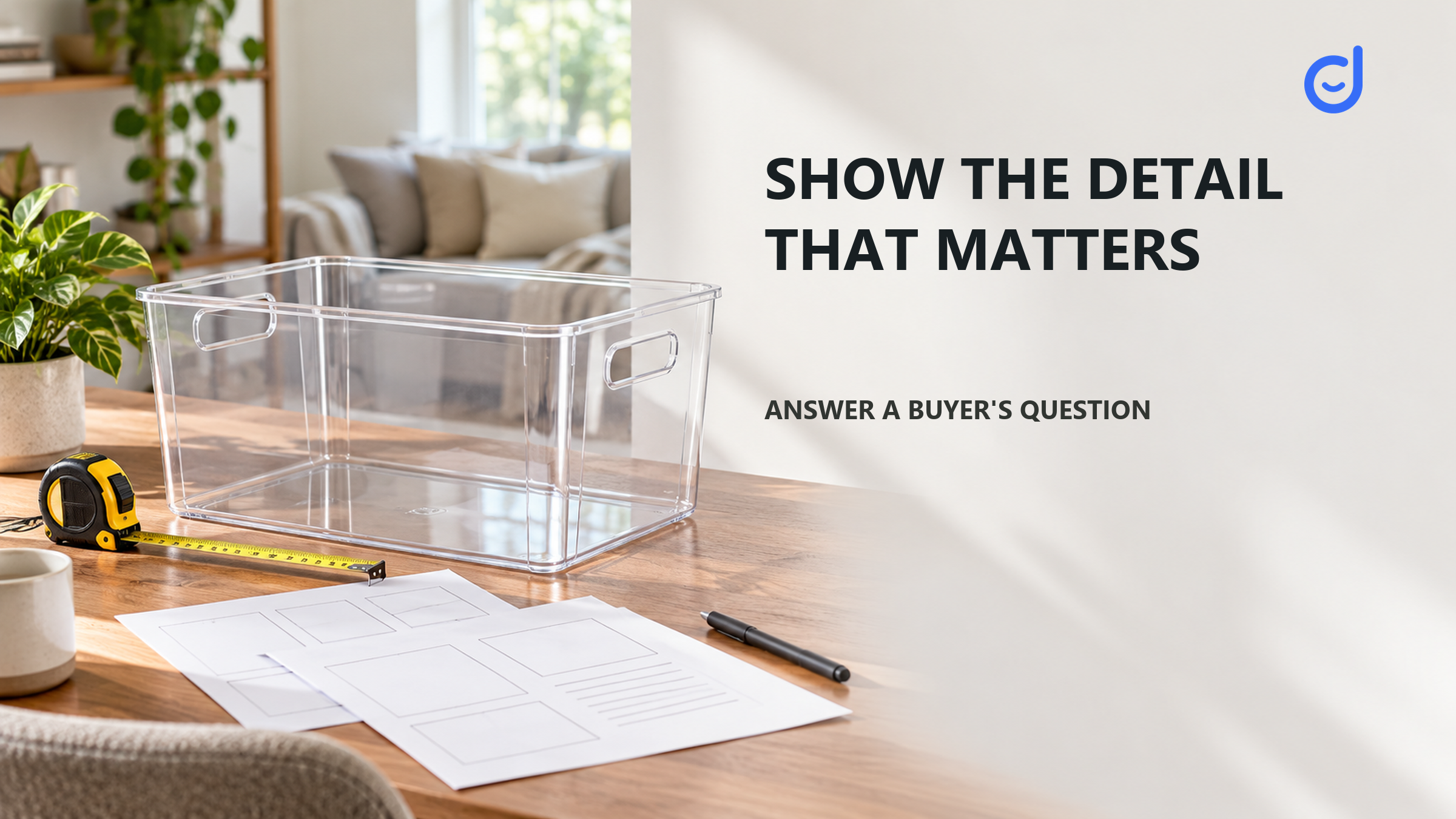
Suppose a hypothetical seller offers a storage bin. A potential buyer wants to know whether it will fit on a shelf. The hypothetical listing identifies the item as a storage bin, but the seller finds that the relevant outside dimensions are not clear on the page. The seller measures the actual item and confirms that its outside dimensions are 12 inches wide, 8 inches deep, and 6 inches high. These numbers are invented for this example, not facts about a real product.
The decision is not to add the word “storage” in more places. It is to communicate the verified dimensions in a form that helps the buyer compare the bin with the space available. An image showing which measurement corresponds to width, depth, and height can make the numbers easier to interpret; a short text statement can give the same dimensions in words.
| Element | Hypothetical before | Hypothetical after |
|---|---|---|
| Buyer question | Will the bin fit on my shelf? | Unchanged: the shopper still needs to compare the item with the shelf. |
| Listing information | The page identifies a storage bin but does not make its outside dimensions clear. | A proposed image labels the verified width, depth, and height; a proposed bullet states the same outside dimensions. |
| Seller decision | Rewriting the title has not resolved the missing measurement. | Prioritize the dimensions image, then check that the supporting text agrees and meets current requirements. |
Source: hypothetical example using the element choices discussed in Amazon’s listing guidance, undated here. Check current image and text requirements before publishing.
In this hypothetical case, the image is the first proposed change because it can connect each number to a visible side of the item. This is a choice about clarity, not a measured result. A short caption can reinforce the verified dimensions for shoppers who read the text.
The seller should not claim that the bin fits every shelf. A buyer still needs to measure the available space and decide whether the dimensions suit it. Nor should the seller present an inside measurement as an outside measurement. The useful improvement is precise enough to support the buyer’s decision without making it for them.
When the product type is unclear, a brief, accurate name can make the title more useful. Check Amazon's current title rules first, then keep the wording focused on identifying the item.
A picture may work better when a buyer needs to see the shape or size. In the made-up bin example, a labeled image could show the width, depth, and height. The image must show the real product and follow current image rules. Do not imply an item comes with a part that buyers will not get.
A bullet can help when an answer needs a short note that a picture cannot show. It might state a checked size, say what comes in the box, or explain a limit. Stick to one clear point rather than packing many claims into one line.
The best page element depends on the question and the listing rules that apply. If the page already gives a clear, accurate answer, look for the next real gap instead of changing it for its own sake.
Before publishing, record the buyer’s question and the verified answer. Note the evidence, the current gap, and the element you plan to change. For the hypothetical bin, the question is shelf fit. The answer is the invented outside dimensions, and the first proposed edit is a dimensions image. The buyer must still compare those dimensions with the shelf.
Review the proposed change for consistency with the rest of the page. If the image says one measurement and the text says another, stop and resolve the conflict. Check that units are present and that a claim about one version of a product is not accidentally applied to a different version. Confirm the current requirements for the chosen element before the edit goes live.
After publication, inspect the resulting page to see whether the intended information is present and understandable. Keep a record of what changed and when. If you later review performance, avoid treating a change in sales or ranking as proof that this one edit caused it. The hypothetical comparison above is not a test and supplies no performance result.
Keywords are a separate task. Search terms can show how shoppers describe an item, but they cannot prove its size or features. Once the product facts are right, review Amazon-focused keyword research to choose the right search terms.
Market research may suggest questions to explore. It cannot replace a check of your own item. A public video might show how someone uses a product, but it cannot prove that yours has the same feature or that Amazon shoppers use those search terms.
A question found in a video or a review is a lead, not proof about your item. For the bin example, measure the product itself before adding dimensions to an image. If the sample and the item you sell differ, use the measurements for the version buyers will receive.
For a broader search, separate product-market research from the listing edit. Here, focus on one buyer question, one checked answer, and one place on the page that can make that answer clear.
For Amazon product listing optimization, that record helps a colleague check the source, compare the proposed text or image with the item, and catch a mismatch before it reaches buyers. If you cannot verify the answer, find the missing product facts before you publish a claim.
Before adding a product video, check the video requirements.
Latest Articles

As an essential, data-driven toolkit for TikTok influencers and marketers, KOLSprite provides powerful features for effortless creator discovery, trending content identification, and actionable real-time insights.
It empowers users to make smarter decisions and significantly boosts their TikTok business.

 Refer & Earn