 +
+
A TikTok phrase made your product sound useful. Does it belong in your Amazon title or backend search terms? Only if it matches how shoppers look for the item on Amazon. Start with the plain product category and the buyer problem, then check Amazon-native search evidence for relevant terms. Put clear, accurate words where shoppers need them. Save the social hook for content unless it also passes the search test. A phrase that plays well is not automatically a phrase shoppers type.
Choose listing keywords for relevance to the product and Amazon shopper language. Use public social examples to sharpen the explanation of a use case, not to claim Amazon search demand. Your result should be two separate columns: search terms you can justify and creative language you can test.
Amazon keyword research for a listing is a matching task. The shopper enters words because they want to find an item; the listing must help the right shopper recognize the right product. A creator's line works under different conditions. It may grab attention from someone who was not searching at all. That line can be memorable and still be a poor product term. Mixing the two jobs leads to titles that read like captions and captions that fail to explain why the item matters.
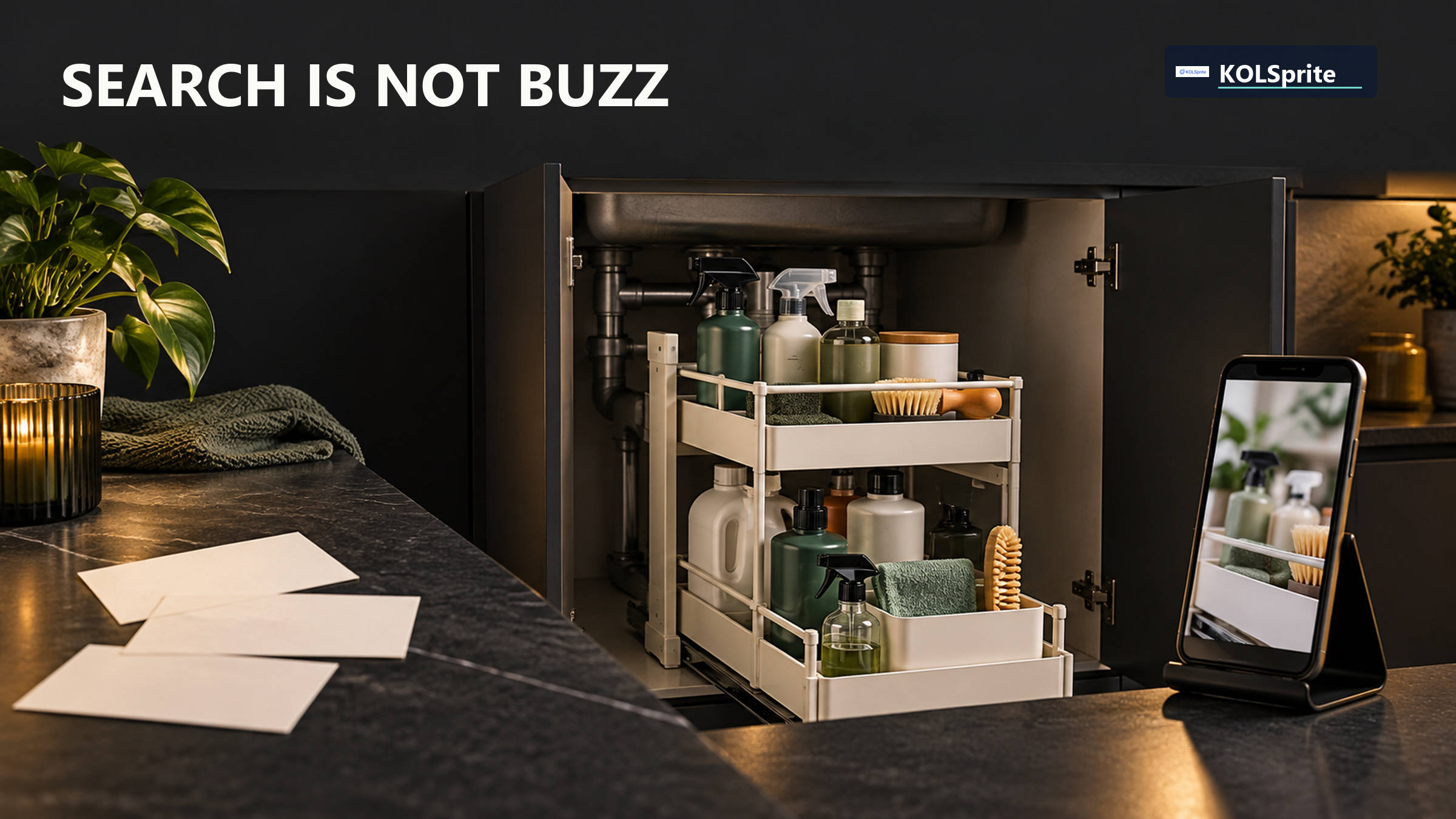
Write a plain description first: what is the item, who uses it, and what concrete problem does it solve? For a hypothetical under-sink storage rack, the base name might be "under-sink organizer." A buyer may also search for a pull-out organizer or a cabinet organizer, depending on the actual design. Those phrases describe an object and a use. By contrast, "finally fixed my messy sink" is a story hook. It may help a video, but it is not evidence that shoppers enter those exact words in Amazon search.
The plain name guards against a common mistake: choosing a trendy phrase before confirming product identity. A rack that does not pull out should not borrow a pull-out term. A small organizer should not use a capacity claim that the item cannot meet. Relevance is not merely a ranking tactic. It sets the shopper's expectation. If the title wins a click from the wrong buyer, the detail page has to undo the confusion.
Build a short candidate list from the product's accurate category, key attributes, and buyer use. Then look for Amazon-native evidence available to your seller account and the current Amazon guidance. Relevant search behavior is more useful for term selection than a view count on another platform. Do not invent a volume number when your available tools do not provide one. A term can be sensible to test without a numerical demand claim, but mark it as a hypothesis rather than a proven priority.
Amazon's official keyword research guide covers shopper search terms and backend Generic Keyword fields. Your title should name the product clearly. Backend terms can add relevant ways to find it without crowding the title. A social catchphrase does not prove Amazon search demand in either place.
| Amazon search-term decision | Offsite content-language decision |
|---|---|
| Candidate: "under-sink organizer" if the product is accurately named and Amazon evidence supports the query. | Show the cabinet before and after, with the rack visible and the use step clear. |
| Candidate: "pull-out cabinet organizer" only if this model actually pulls out and the phrase fits shopper language. | Say "reach the back without emptying the shelf" if the footage proves that use. |
| Do not use an unrelated viral phrase as a title keyword merely because it received views. | Test a hook such as "the space under my sink finally works" as creative, not as search-volume evidence. |
| Review relevant additional terms for the current backend Generic Keyword field under Amazon's rules. | Keep the creator's phrasing natural and tied to an observable benefit. |
Source: Amazon's keyword research guide, used for this October 2026 placement example. The under-sink product and phrases illustrate a decision method, not measured demand or ranking results.
The table is not a proposal to paste every candidate into the listing. Each term needs a relevance check. Ask whether a buyer who types it would be satisfied to land on this exact product. Then decide where that language belongs. The core product name and distinguishing details should be easy to see in the title and other visible copy, within Amazon's current rules. A less central term may fit elsewhere if Amazon allows it. Avoid repeating the same idea solely to fill space.
Backend Generic Keyword fields are not a hidden place for claims you would not make publicly. They still need to describe the item accurately and follow the current rules. Check the live field guidance for length and formatting instead of relying on an old character limit or a copied checklist. Keep a working note of why each term was chosen. If you later remove a term, you should know whether it was irrelevant, redundant, or simply untested.
Return to the query, not just the phrase. Someone searching "under-sink organizer" may want more room, easier access, or a better fit around plumbing. Your product may solve only some of those needs. Examine the item and its actual dimensions before adding a modifier. If it is a fixed shelf, "pull-out" is wrong. If it is designed for a narrow cabinet, that detail may help the right buyer, but it should be supported by measurements. The best keyword is not always the broadest one; it is a relevant path to an offer that can deliver.
Read the visible listing out loud. Does the title identify the item quickly, or does it pile up slight variations until the product is hard to parse? A shopper needs orientation, not a thesaurus. Keep the essential category and useful attributes in language a person can understand. Let the images and detail copy show the use case. If a phrase only sounds good because it was spoken over a dramatic video, it may belong in that video's opening rather than in the title.
Make a note of evidence quality beside each candidate term. "Accurate category name" is a basic product fact. "Seen in Amazon-native query information" is search evidence. "Creator used this line in a popular clip" is content evidence. Keep the notes brief. They stop the team from treating each phrase as equal proof. A social phrase can inspire a new query to investigate. It cannot validate that query by itself.
When a term seems promising, check it against the listing's current promise. A query may reveal a use case the page does not explain well. The fix may be an image, a clear feature line, or a better demonstration, not another keyword. Conversely, a beautiful video cannot make an inaccurate term relevant. Search terms bring a shopper to the door; product detail helps them decide whether to stay. If the query points to a real product use, the use-case differentiation guide can help make that difference clear.
Public videos can show how people demonstrate a product. If creators consistently pull a rack out to reach items at the back, that may suggest a useful benefit scene. It still does not tell you how often Amazon shoppers type "pull-out cabinet organizer" or whether your product can make that promise. The public video answers a creative question: what use is easy to see? The Amazon search evidence answers a separate marketplace question: what words help the right shopper find the item?
Once you choose Amazon terms, KOLSprite product and video examples can help with a separate copy question: "Can we show access to the back of the cabinet in one clear shot?" They do not measure Amazon query volume. KOLSprite cannot set backend terms or predict ranking.
Keep the two jobs separate. Give the listing editor a term sheet with the product name, accurate modifiers, evidence note, and proposed placement. Give the creative editor a separate note with the buyer problem, the visible product action, and words that a person might say naturally. The two editors can agree on the same truthful benefit without forcing the same sentence into every surface. That makes the product easier to find and easier to understand.
For the next decision, Turn product-use insights into a clear differentiation claim.
For the organizer example, the search column might retain "under-sink organizer" as the category term and investigate "pull-out cabinet organizer" only if the mechanism and Amazon evidence support it. The content column might ask for a shot of reaching a bottle at the back of the cabinet. The first column is about matching a query to an item. The second is about showing an outcome. Neither column needs an invented monthly search figure.
Before publishing, review each proposed keyword with four questions. Is it accurate for the exact product? Would the shopper who types it recognize the offer? What Amazon-native evidence, if any, supports the term? Is the proposed field appropriate under the current rules? If the answer to the first two is no, remove it. If the evidence is weak, keep it in a test list instead of presenting it as a proven winner. If the field is wrong, change placement rather than stretching the copy.
Then review the creative language on its own terms. Does the scene prove the claim? Does the hook help a viewer understand the use without creating a false expectation? A phrase can be excellent in a creator brief yet poor in backend fields. That is not a conflict. It means each piece of language has a job. Amazon keyword research should end with a small two-column decision that keeps buyer search and social explanation connected by the real product, not by a guessed metric.
For a broader product question, read the Amazon and TikTok validation comparison. If you are still choosing a market, the niche-validation guide covers that earlier decision. Neither replaces Amazon-native term research for this listing.
Latest Articles

As an essential, data-driven toolkit for TikTok influencers and marketers, KOLSprite provides powerful features for effortless creator discovery, trending content identification, and actionable real-time insights.
It empowers users to make smarter decisions and significantly boosts their TikTok business.

 Refer & Earn