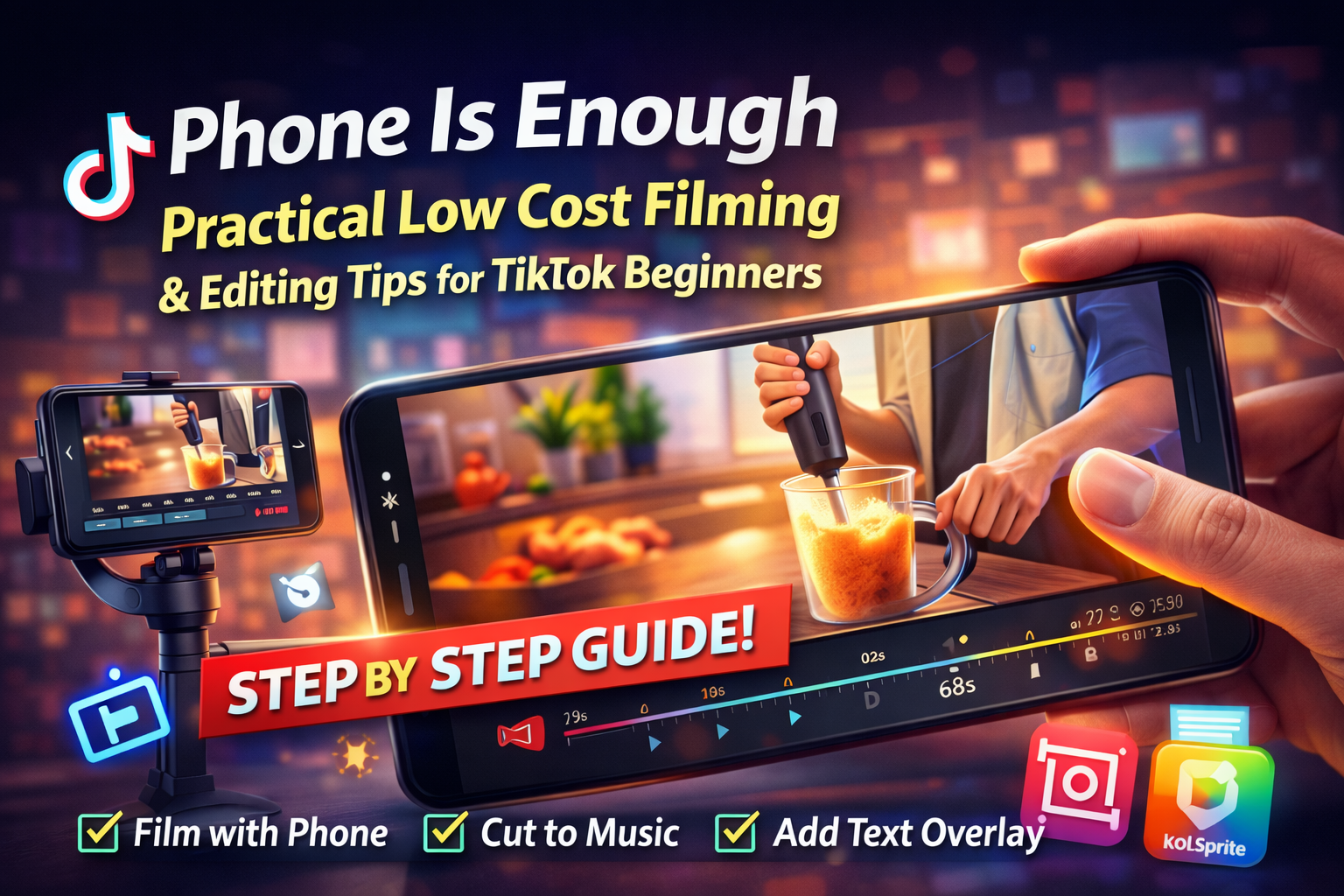
A hands-on production guide for creators who only have a phone. The recommendations reflect common practices from creators who get results, and they show how to use KOLSprite sample exports to copy effective pacing and cut points so beginners do not guess at timing.
 +
+
Introduction: technique beats gear for short form video
TikTok favors clarity, rhythm and quick payoff. When you combine steady framing, clear lighting and music aware editing you increase watch time. That is the core production win for beginners who use a phone.
Section 1 Phone filming basics every beginner must do
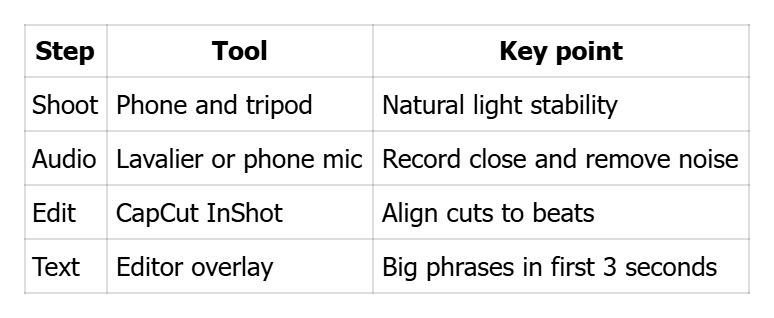
Lighting place the subject near a window for soft, even light and use white paper as a reflector if needed.
Stability use a tripod or rest the phone on a stable surface to avoid shake.
Framing keep the product as the visual focus, occupying about 30 to 70 percent of the frame.
Audio use a simple lav mic when possible or record close to the product and remove background noise in editing.
Section 2 A copyable 15 second script and shot list you can use now
Script breakdown:
- 0 to 2 seconds problem or hook in big on screen text
- 2 to 8 seconds product reveal and short demonstration
- 8 to 12 seconds result or benefit proof
- 12 to 15 seconds clear CTA telling the viewer what to do
Shot list capture three close up angles, two usage actions, one before and after, and one cover frame for the thumbnail.
Section 3 Editing to the beat, how to match cuts to music beats
Many top creators cut on musical beats to increase replay and completion. Use KOLSprite to export example videos and mark when the product appears relative to the music. Then in CapCut or InShot import the same or similar music and make cuts at those timestamps. This method increases the sense of rhythm and reduces viewer drop off.
Section 4 Subtitles and overlay text that protect watch time
Put the core benefit in large text during the first three seconds. Prefer short phrases and a high contrast rounded rectangle behind text to ensure legibility on small phones. Match the text style and placement from the exported samples you pulled in KOLSprite.
Section 5 Batch production and reuse to scale output
Shoot all product variants in one session and then reuse the same edit rhythm across multiple videos. This delivers several variants for testing without extra setup time. Test different hooks or CTAs while keeping core timing constant.
Mobile production quick guide
 +
+
Checklist before upload
- Film at least three close up angles and a cover frame
- Export three example videos in KOLSprite and mark beat points
- Edit to the beat and add large first three second text
Upload and pin a clear CTA in the first comment
CTA
Use a phone and rhythm to improve completion and conversion. Learn the beat from KOLSprite samples and edit to that rhythm for better viewer behavior.


 Refer & Earn