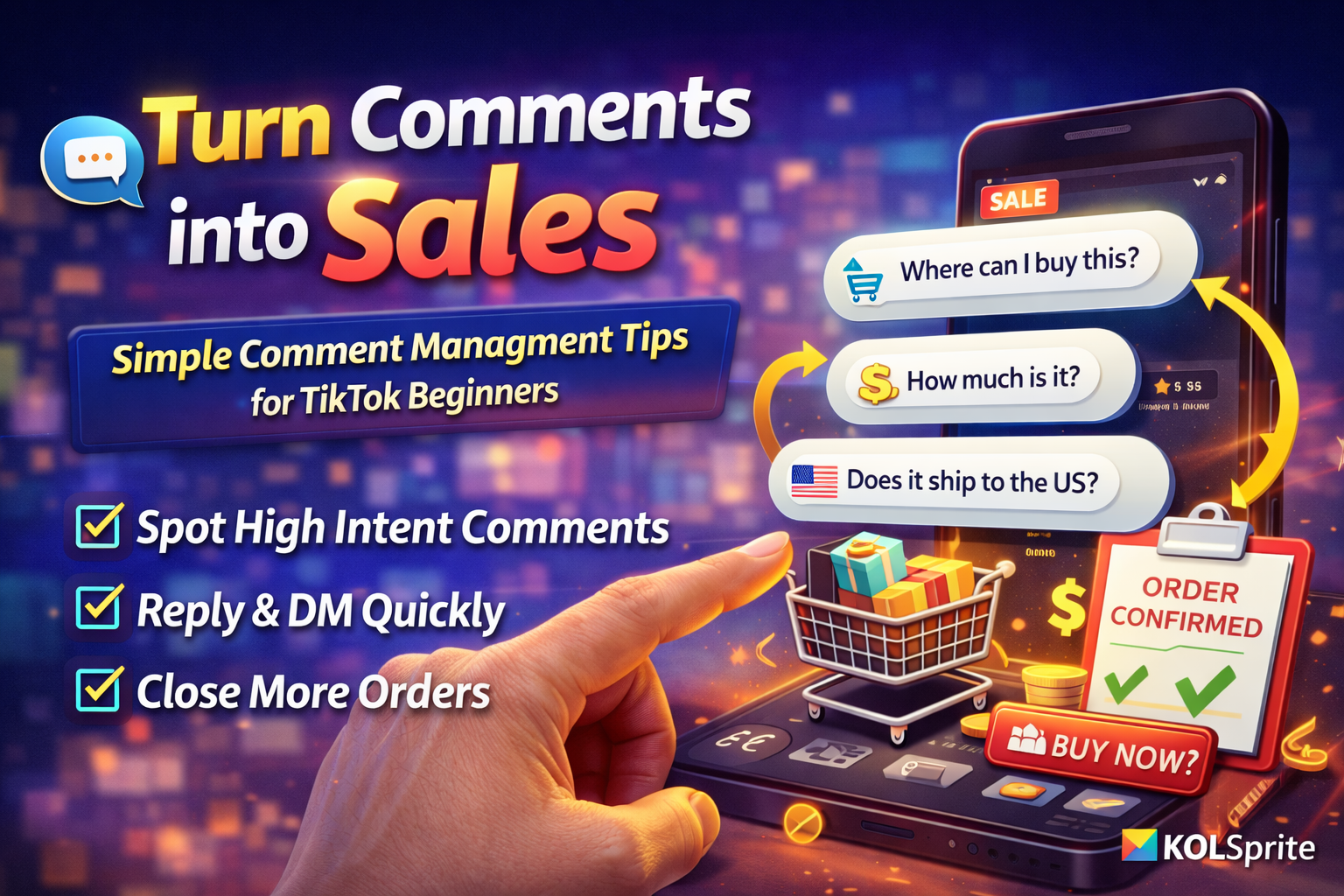
A practical guide for new sellers who need to manage comments and convert interest into orders. It uses KOLSprite comment export, intent signals and simple reply templates that scale without complex tools or CRM systems.
 +
+
Introduction Comments are a cheap acquisition channel
A viewer who types a question about price or availability is often one click away from buying. The challenge is to find those comments fast and reply in a way that reduces friction and leads to an order.
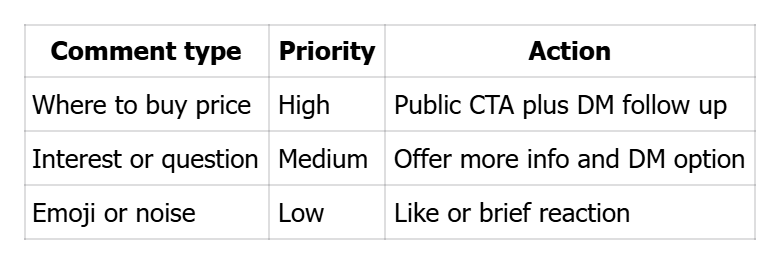
Section 1 Classify comments the three tier priority
High intent comments ask where to buy, ask price or ask for shipping details. These require immediate action.
Medium intent comments show curiosity or request more details and can be nurtured.
Low intent comments are emojis or unrelated chatter and require minimal engagement.
Section 2 Short reply templates that lead to action
High intent public reply example:
Link in bio to buy today. Want me to send the direct link in DM reply yes
Medium intent public reply example:
Thanks for asking. If you want more details, I can DM you
Use quick replies and move high intent prospects to DM for a fast purchase flow.
Section 3 Lightweight automation options for beginners
Start with phone text shortcuts for canned replies. If comment volume rises use a simple bot that responds to keywords such as link or price and prompts the user to DM. If automation is not available use KOLSprite to export daily comment lists and prioritize manual replies.
Section 4 Convert comments to orders a five step flow
1 Identify high intent comments using KOLSprite exports
2 Publicly reply with a short action and ask to DM if needed
3 Move the conversation to private message for details such as size or color
4 Send a one click payment link or a short order form for quick checkout
5 Post proof of fulfillment in pinned comments or follow up videos to build trust
Section 5 Handle surges and viral post volume without panic
When comments spike update your pinned FAQ to answer common questions. Bring temp help to handle DMs and use KOLSprite to analyze the time and source of the spike. This data helps with inventory decisions and follow up content.
Comment priority summary
 +
+
Checklist for comment workflow start
- Define three high intent keywords such as link price and size
- Save reply templates as phone shortcuts for fast use
- Use KOLSprite to export high intent comments daily for priority handling
- Prepare a pinned FAQ comment to answer repeated questions
CTA
Treat comments as your lowest cost acquisition channel. Use KOLSprite to find the high intent ones and reply quickly to convert interest into orders.


 Refer & Earn