 +
+
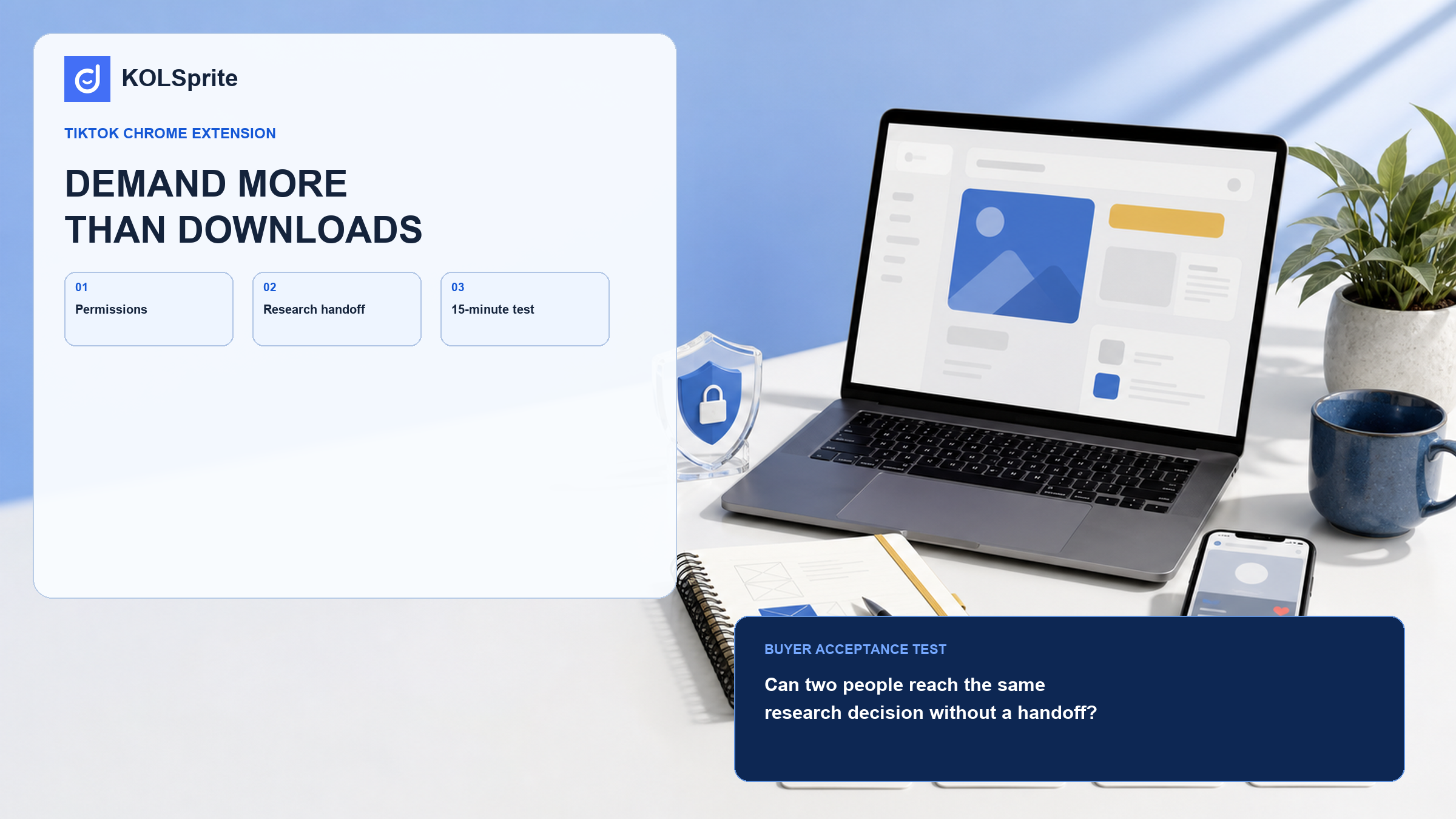
Small ecommerce teams considering a TikTok Chrome extension should test it on one repeated task. Can it move from a public video or profile to a note that supports a decision, with less copying? The team should also be able to explain every access request. Button counts do not answer either question. This buyer guide gives you an eight-question checklist and a 15-minute test. Run both on work your team already does. Use ordinary research items and judge the saved context, the handoff, and the note another person receives. A polished demo tab tells you little about Monday's workload.
Most teams do not have a “TikTok research problem.” They have a link-copying problem, a caption-reading problem, or a lost-context problem. A marketer opens a video, copies its URL into a sheet, types a rough note, then opens a profile to see whether the person is a fit. Another person later has to reconstruct why the link was saved. The time cost is small each time and large by Friday.
Write the handoff in one sentence before you look at extensions. For example: “When we see a public product video, we need its link, the relevant public details, and a short reason to review it later.” That sentence gives you a fair test. If the extension cannot make that handoff shorter or clearer, it is a distraction, even if it offers downloads, alerts, or a long menu of analytics.
Chrome’s developer guidance asks extension developers to respect user privacy and minimize the data they collect. Chrome Web Store guidance also makes permissions and privacy disclosures part of the install decision. Read both the permission prompt and the developer’s current disclosure. Then ask a simple question: could the person installing this explain the requested access to their manager without using product jargon?
| Question | What a useful answer sounds like | When to pause |
|---|---|---|
| Which pages does it need to read? | The supported pages match the public research task. | The scope is broad or unclear. |
| What does it save or send? | The disclosure names the data and the stated purpose. | The tool describes collection in vague terms. |
| Who can access the output? | The team knows where notes or exports will live. | Sharing and retention are not explained. |
| Can the team remove it cleanly? | Removal and account steps are documented. | The only answer is “install first and see.” |
Source and scope: this is a buyer’s reading aid based on Chrome’s user privacy guidance, the Chrome Web Store help, and Chrome’s extension management guidance. It does not assess any specific extension or replace a current store listing, privacy disclosure, or security review.
KOLSprite can keep public creator and video context close to the research task, so your team can judge the next action without copying the same details across tools.
Register and claim a three-day trial
These questions sound basic because they are. They reveal more than a feature comparison does. A tool can be excellent at a narrow job and still be a bad purchase for a team that needs a different job. “It has creator data” is not a workflow answer. “It gives us a reviewable note from a public video without three copy-and-paste steps” is one.
Choose one live research task, not a favorite example. Set a timer for 15 minutes. Ask one person to find two public videos or profiles relevant to a product decision, retain the necessary public context, and leave a note that another teammate can understand the next day. Keep the old tab-and-sheet method open in another window. At the end, compare the artifacts, not the feeling of using the interface.
The extension passes if it removes a repeat handoff, retains enough context for a decision, and creates no permission question the team cannot answer. It fails if users still copy the same fields by hand, if the saved item lacks a reason, or if the tool shifts the work into a different private spreadsheet. A “maybe” result is useful too. Limit the extension to the one task where it passed and do not make it the center of the research stack.
Join the KOLSprite Discord to discuss permissions, research handoffs, and the small workflow tests that reveal whether a tool is earning its place.
 +
+
Join the KOLSprite Discord community
KOLSprite is relevant when the work is public TikTok research rather than a browser convenience purchase. A team can open a real task, inspect relevant public videos or profiles, and use supported sorting, analysis, translation, saving, or export functions to produce a decision artifact. That is a different promise from “we added a Chrome button.” The useful question is whether the tool lets the team move from an observed public signal to a shareable conclusion with fewer tabs.
Those loops vary. A content researcher may need public-video context and comment patterns. A creator reviewer may need profile signals beside a saved note. A marketing lead may only need a short list of items to discuss in a weekly meeting. Read the supporting workflows before you decide: content-research rules for TikTok videos, a profile identity audit, and comment analysis for ecommerce.
Skip it when the team has no repeat research loop, when only one person will use it once a quarter, or when policy requires a review the extension cannot meet. Skip it when the real bottleneck is deciding what evidence matters. A browser tool can shorten collection, but it cannot set a category strategy or approve a creator. It also cannot turn a public observation into permission to use content.
Teams should also pause when a tool’s current permissions, supported pages, plan limits, or privacy disclosures are uncertain. This is not an installation tutorial. Chrome listings change, and a buyer must check the current page before granting access.
Write a one-card decision: the loop it shortens; the public output it retains; the access it needs; the owner; and the reason to remove it. If the card is hard to complete, the purchase is premature. A browser extension earns its place when next Monday’s researcher can finish a familiar task with less tab hopping and leave evidence another person can read. That is enough. Anything beyond it should be a separate decision.
A solo demo hides the problem that matters most: whether the next person can act on what was saved. During the acceptance test, have one teammate collect two items and another teammate review them without a spoken explanation. The reviewer should be able to see the public source, understand the reason for capture, and know what decision is pending. If the second person has to reopen every tab or ask what the first person meant, the workflow has not improved.
Check the failure cases as well. What happens when a profile does not load, a field is missing, the user lacks the right plan, or an extension update changes the interface? A workable tool gives a user an understandable fallback. It may be a saved link and a note, or a clear message that the page is unsupported. Silent gaps are worse than modest limits because they create false confidence in the research record.
Finally, make the tool owner accountable for a short recheck after installation. They should review current permissions, the privacy disclosure, and whether the team is still using the narrow loop that justified the install. The value of a browser extension can fade as a team’s process changes. Removal is a valid result when the original handoff no longer exists.
A narrow win needs a name and a boundary. “Save public video context for weekly creative review” is narrow enough. “Make TikTok research better” is too vague. You can measure the first version by reading the review notes. You can also stop the test if the tool asks for access that no longer fits the task. Give a small tool one small job first. That makes renewal easier because the owner can show the task, its output, and why each permission is needed. A TikTok Chrome extension does not need to become a debate about the whole research strategy. One repeated task can support a sound choice when the handoff is real. Save one sample from the old process. Compare it with the new note to see where time was saved. The comparison may show that manual work simply moved to another teammate. Keep the test small. Two ordinary research items can reveal less copying or a broken handoff. They can also expose an unclear permission. Then decide from that evidence.
Latest Articles

As an essential, data-driven toolkit for TikTok influencers and marketers, KOLSprite provides powerful features for effortless creator discovery, trending content identification, and actionable real-time insights.
It empowers users to make smarter decisions and significantly boosts their TikTok business.

 Refer & Earn