Quick version: KOLSprite AI Comment Analysis is a new TikTok comment intelligence feature in the KOLSprite Extension. It turns a crowded TikTok comment section into a structured report in roughly 3 to 5 seconds, so you do not have to read hundreds of comments manually.
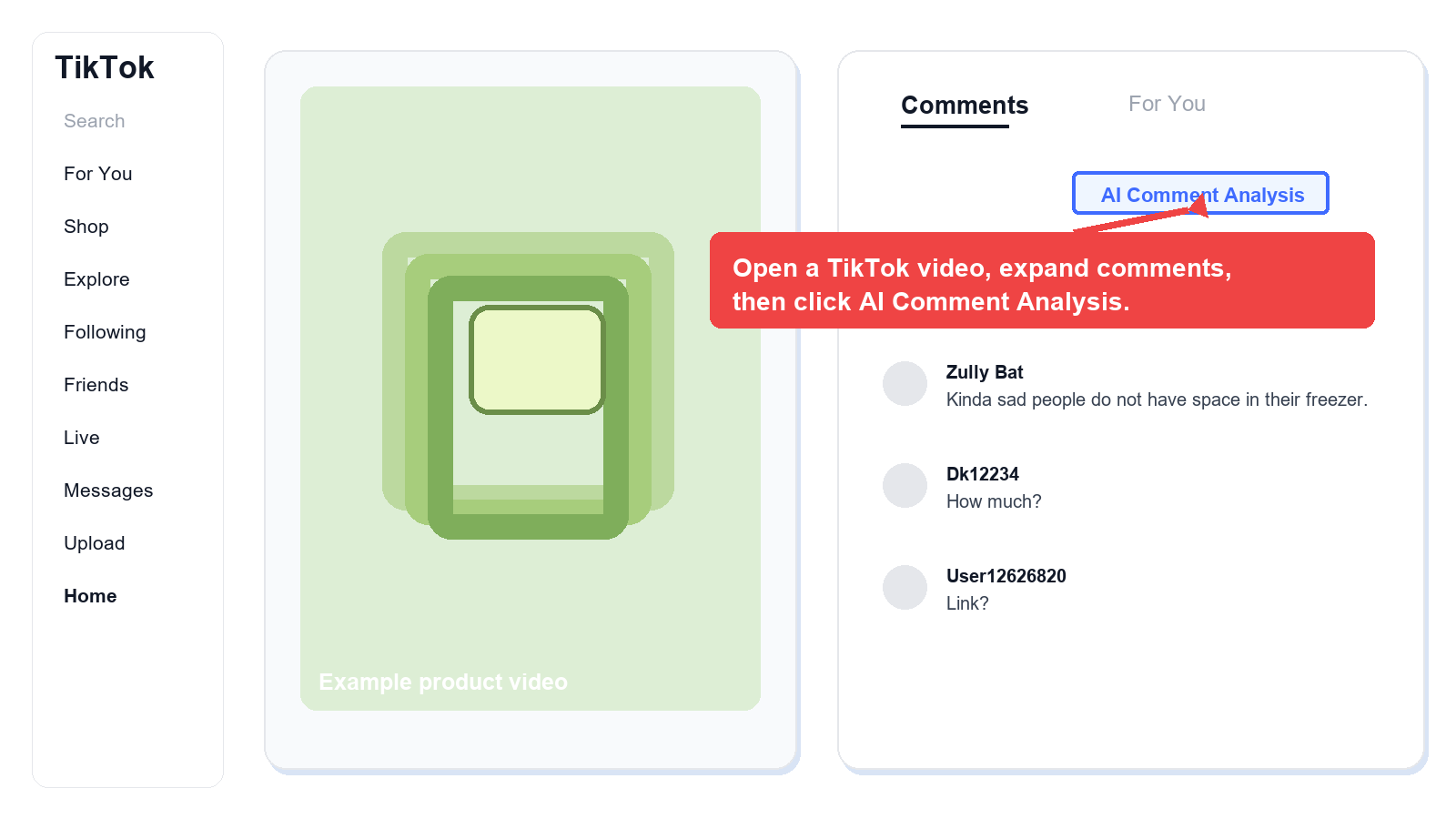
Click the AI Comment Analysis button above the comment area. KOLSprite helps extract what users are discussing, what pain points appear, whether there is purchase intent, and which competitors or substitutes are mentioned.
Use it for TikTok product research, viral video review, competitor analysis, creator collaboration evaluation, and content script planning. You can also export full comments or share the analysis as a screenshot.
 +
+
KOLSprite Extension entry point for AI Comment Analysis above the TikTok comment area.
Reading time: about 2 minutes.
When you open a TikTok video in a desktop browser, click AI Comment Analysis. KOLSprite will analyze the current video's comment section and generate a comment summary report.
This is not just a simple comment summary. It organizes scattered comments into operational signals, helping you understand real user needs and spot possible product or content opportunities faster.
| Before | With AI Comment Analysis |
|---|---|
| You spend 20 minutes reading hundreds of comments and still may miss the point. | You get a structured comment summary in 3 to 5 seconds. |
| Comments are in Thai, Indonesian, Spanish, or another language you do not read. | Comment translation plus an English-readable summary helps you see the conclusion faster. |
| You are not sure whether a video has commerce potential. | AI highlights whether people ask questions such as where to buy, how much it costs, or whether there is a link. |
| You watch a competitor video but cannot remember what users complained about. | The pain points and complaints module surfaces those signals directly. |
Make sure you are logged in to the KOLSprite Extension and that the comment area has loaded normally.
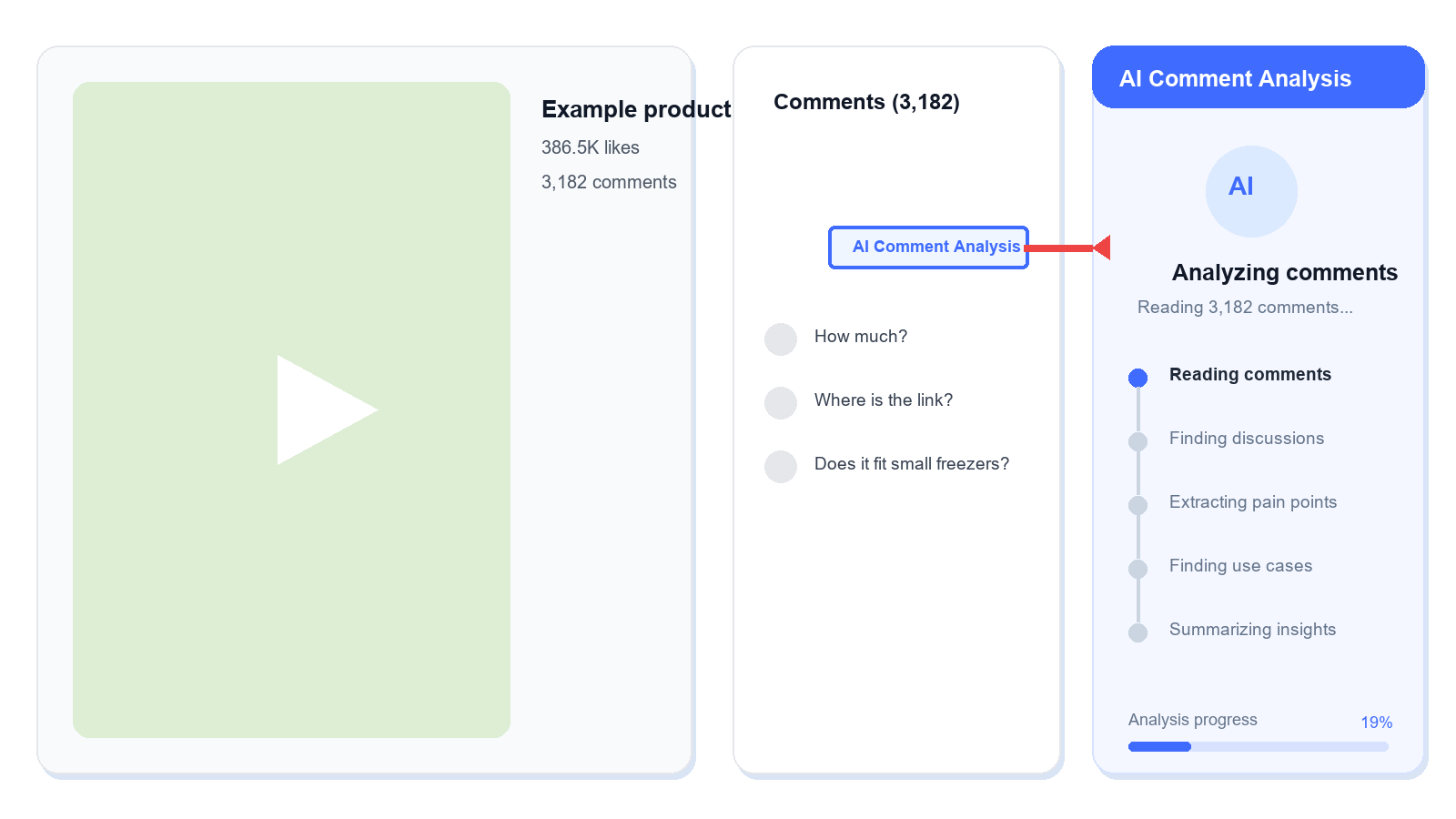
The button appears at the top of the comment section.
 +
+
Click AI Comment Analysis in the comment area and wait for the report to generate.
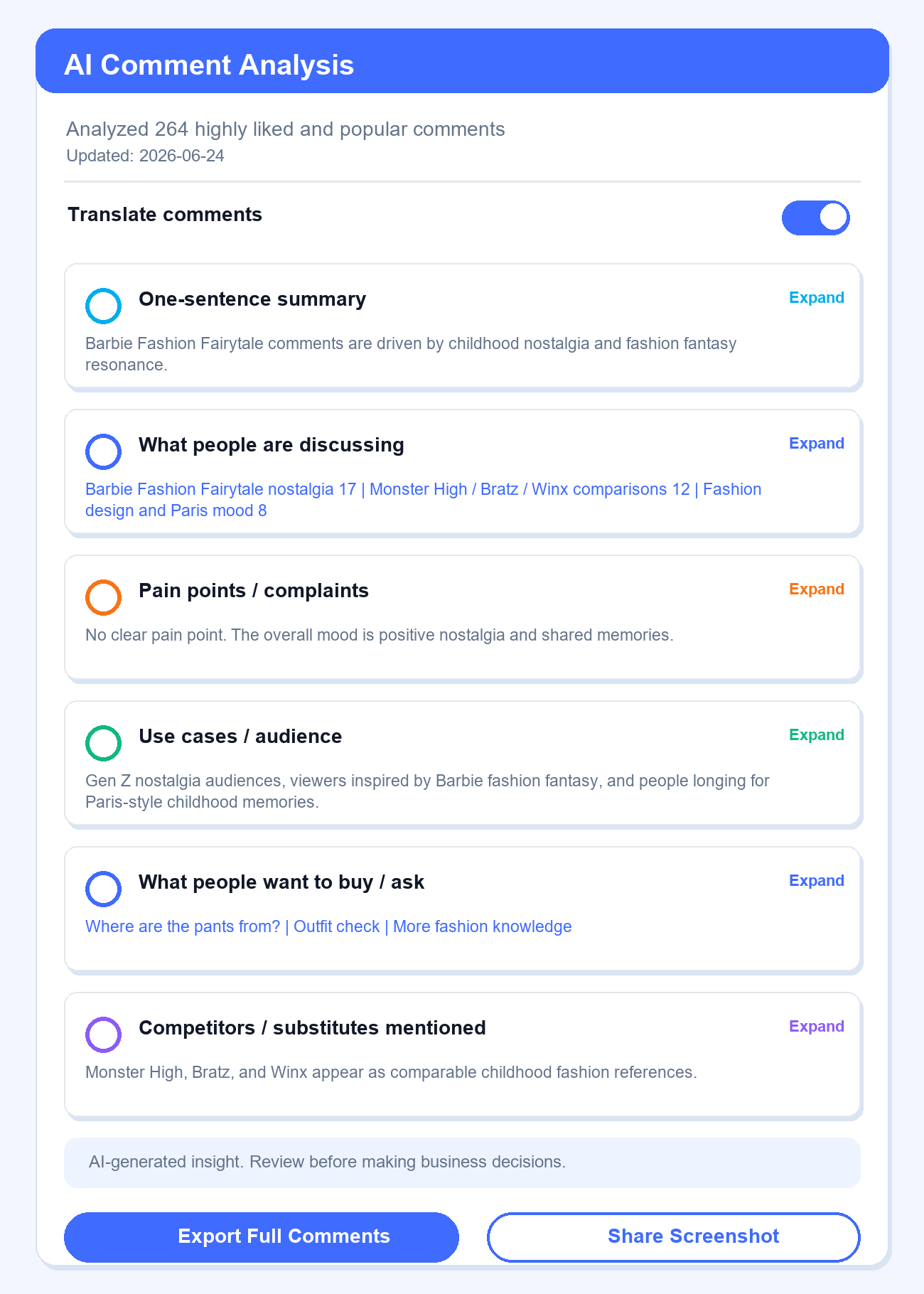
KOLSprite generates six modules: overall summary, discussion topics, pain points and complaints, use cases and audience, purchase intent, and competitor or substitute mentions. The more useful comments a video has, the richer the report usually becomes.
 +
+
Example AI Comment Analysis report with summary, topics, pain points, use cases, purchase intent, and competitor mentions.
The report is organized around six practical dimensions. Each one supports a different seller or content decision.
| Analysis module | What to look for | How to use it |
|---|---|---|
| One-sentence summary | What the whole comment section is about. | Decide quickly whether the video deserves deeper research. |
| What people are discussing | High-frequency topics and discussion focus. | Understand why the video is getting attention and refine content angles or selling points. |
| Pain points and complaints | User complaints, concerns, negative feedback, and unmet needs. | Find product improvement ideas, competitor weaknesses, and content hooks. |
| Use cases and audience | Who is discussing the product and in what scenario. | Judge whether the audience and usage scene match your product. |
| What people want to buy or ask | Purchase intent, link requests, price questions, size questions, and availability questions. | Judge whether the comment area contains conversion signals. |
| Competitors and substitutes mentioned | Similar products, competing brands, or alternative choices. | Support competitor research and differentiated selling point analysis. |
Tip: Start with the one-sentence summary to judge direction. For product research, competitor analysis, or creator evaluation, focus on pain points, purchase intent, and competitor or substitute mentions.
For example, a video can have high views while the comments are mostly jokes, plot discussion, or unrelated conversation. That usually means the content is active, but it may not have strong product intent.
If the comments repeatedly say things like "Where can I buy this?", "How much is it?", "Is there a link?", or "Is it suitable for this type of person?", the video may contain clearer buyer intent and deserves deeper analysis.
If you need to track a product category, creator, or competitor video over time, export the comment data and archive it by project.
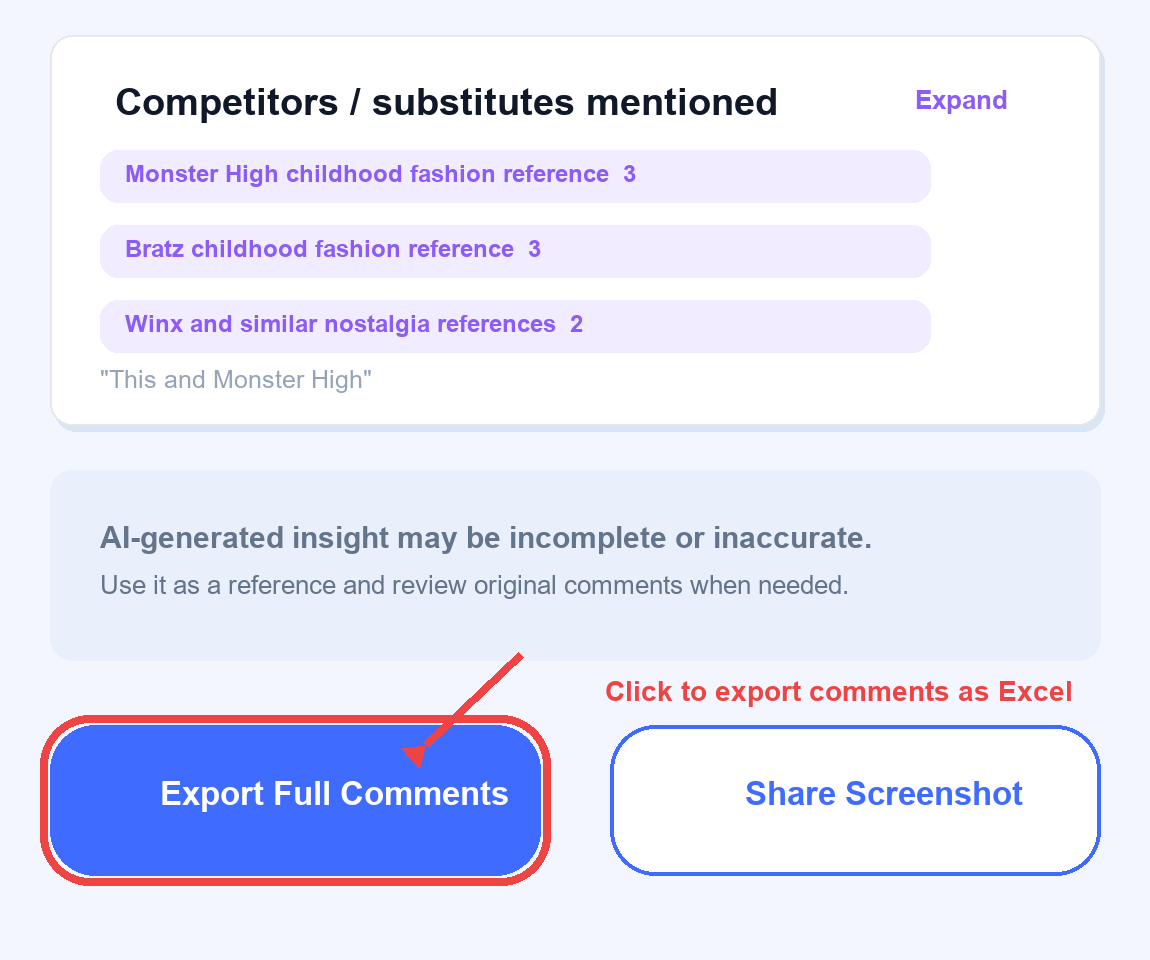
Path: Scroll to the bottom of the AI Comment Analysis report, click Export Full Comments, and export the current video comments as an Excel file.
 +
+
Export full TikTok comments from KOLSprite for user feedback, competitor analysis, and content review.
Exported comments can be used for:
If you want to communicate conclusions quickly with teammates or share a case in a community, turn the AI Comment Analysis report into a long screenshot. This is easier than sending an Excel file when the goal is quick alignment.
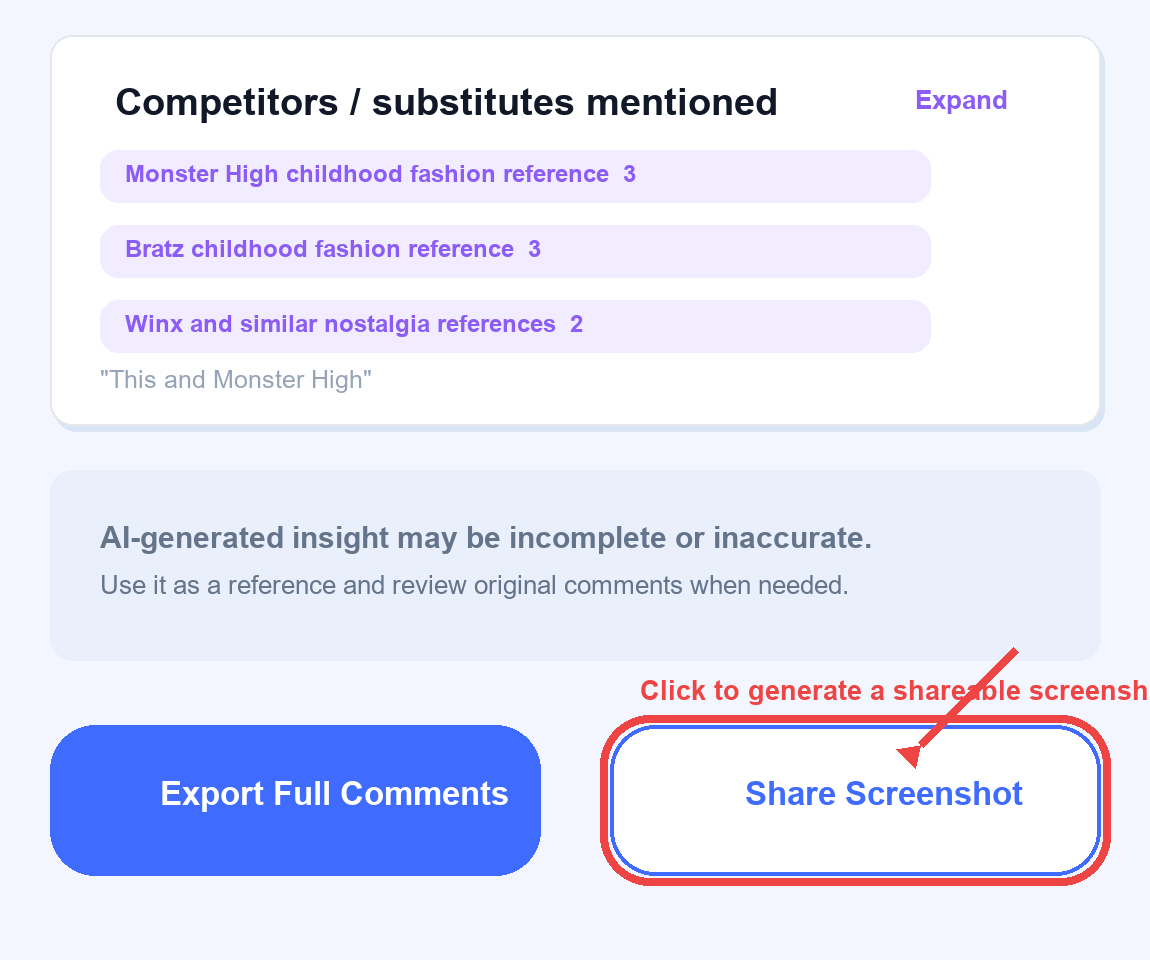
Path: Scroll to the bottom of the AI Comment Analysis report, click Share Screenshot, and generate a screenshot of the current AI report.
 +
+
Generate a shareable long screenshot of the AI Comment Analysis report for team review.
Share screenshots are useful for:
Rule of thumb: Use Share Screenshot for fast communication. Use Export Excel for deeper analysis.
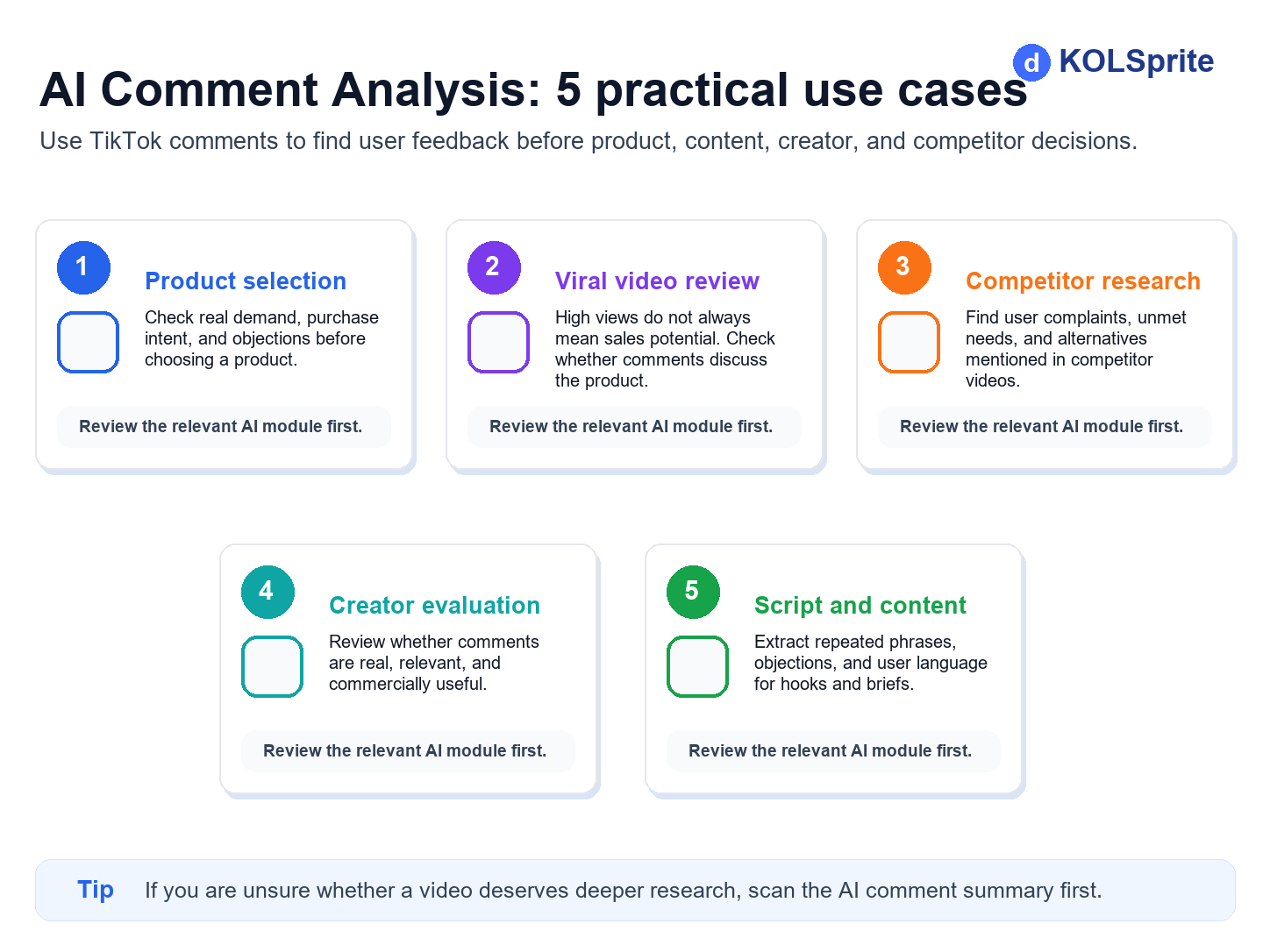
AI Comment Analysis is not only for summarizing comments. It is most useful before product selection, video review, competitor research, creator evaluation, and content creation, because it helps you judge whether the comment section contains real demand and practical opportunity signals.
 +
+
Five common workflows for using AI Comment Analysis in TikTok product and content research.
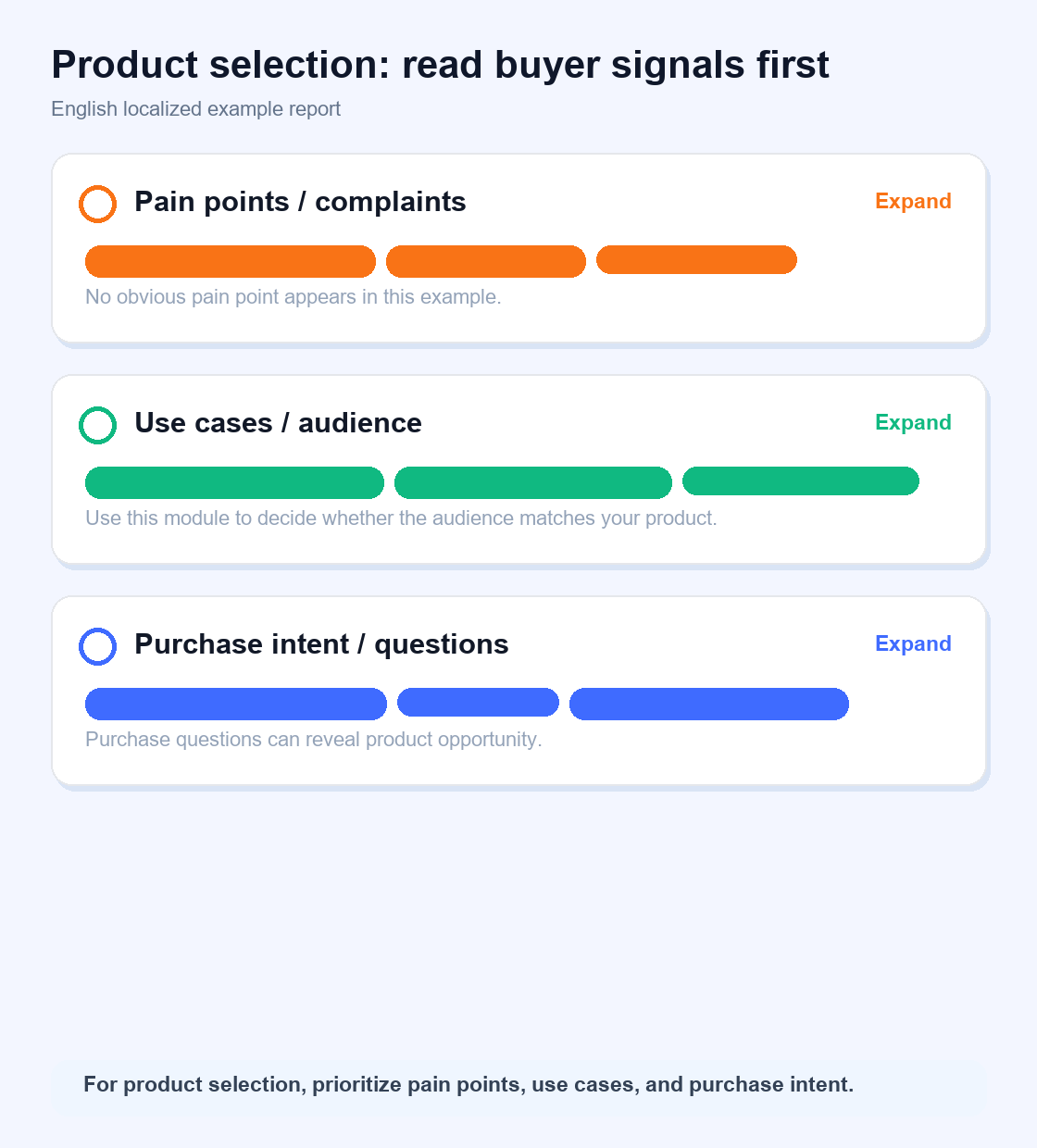
You see a product gaining traction on TikTok, but you are not sure whether there is a real opportunity.
Use AI Comment Analysis to check whether people actively ask how to buy, what the price is, or whether current products have obvious problems. Focus on pain points, use cases, and purchase intent.
 +
+
Use comment analysis for product selection and demand validation.
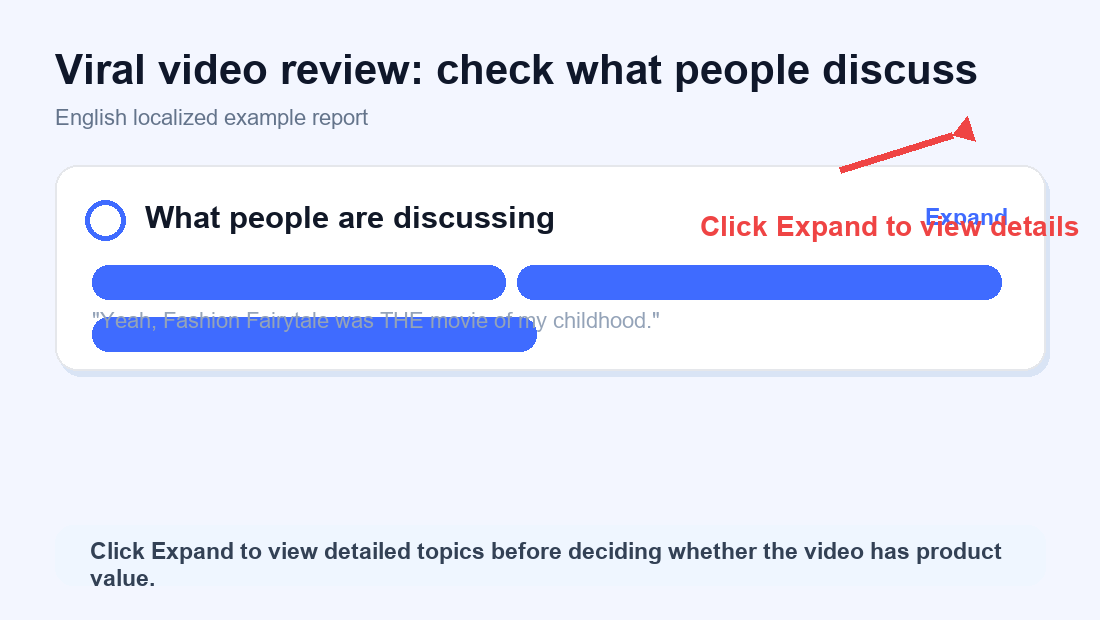
High views do not always mean strong sales potential. Some videos are entertaining, but the comments do not discuss the product.
Use AI Comment Analysis to see whether users are talking about the product, the plot, a joke, or unrelated topics. Focus on what people are discussing.
 +
+
Use comment analysis to review whether a viral video has real product discussion.
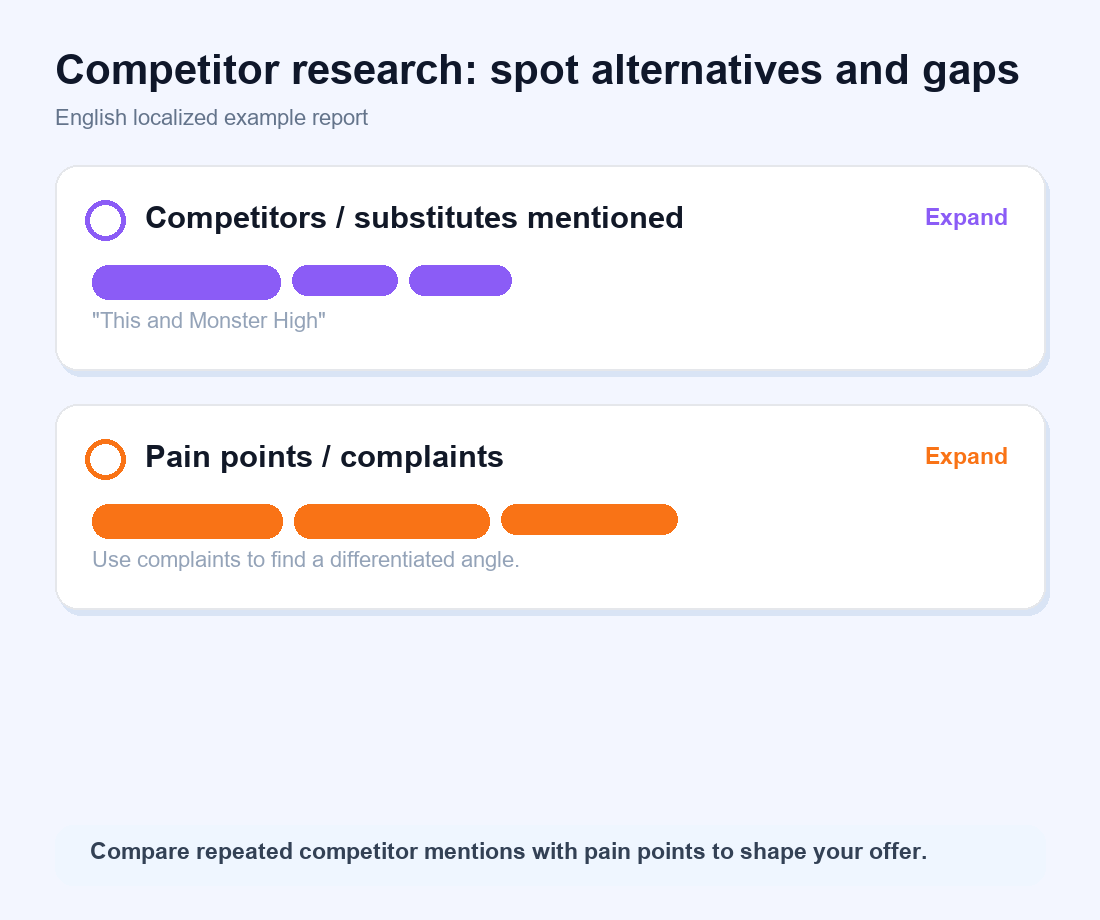
You want to understand a competitor's selling points, weaknesses, and what users still want.
Use AI Comment Analysis to review user complaints and see what other brands or substitutes are being compared. Focus on pain points and competitor or substitute mentions.
 +
+
Use comment analysis to study competitor pain points and alternatives.
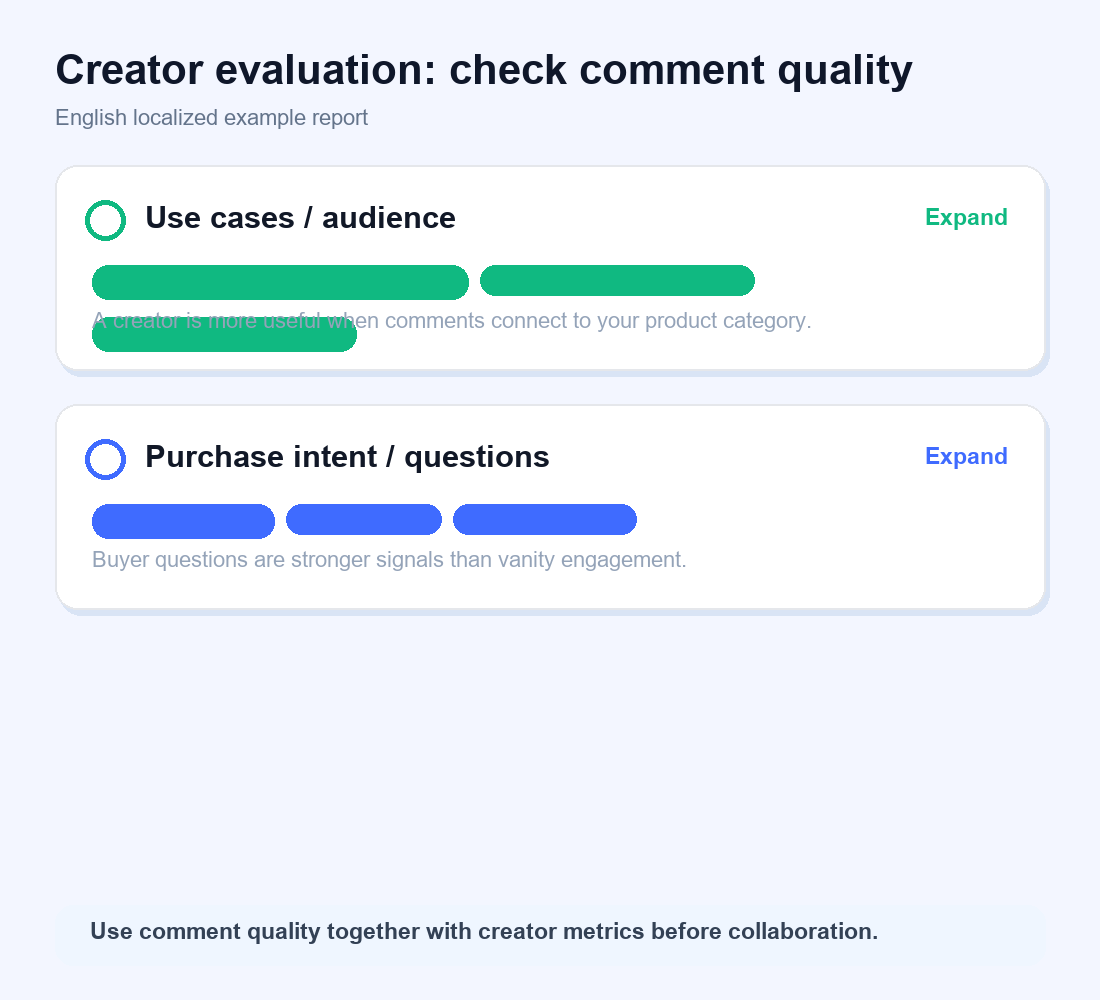
A creator's metrics may look strong, but comment quality can tell a different story.
Use AI Comment Analysis to judge whether real users are interacting, whether comments are product-relevant, and whether there is genuine purchase intent. Focus on use cases, audience, and purchase intent.
 +
+
Use comment analysis to evaluate creator collaboration quality.
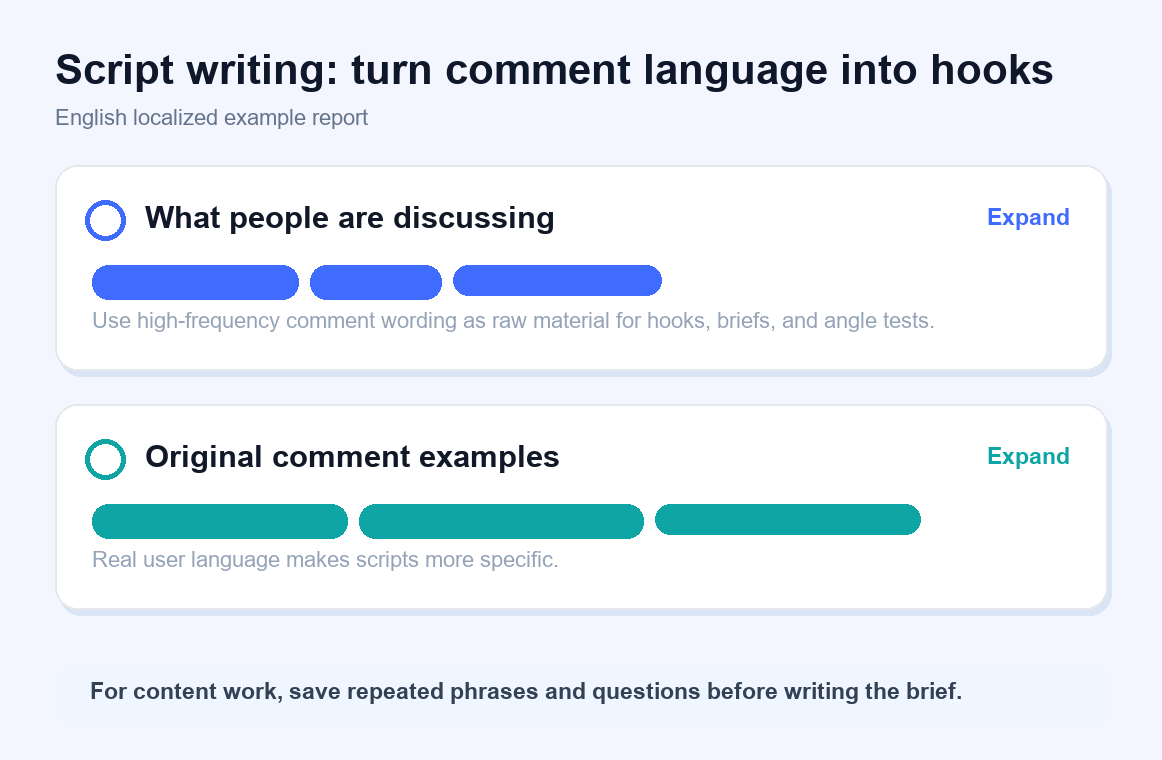
If you need real customer language for topics, hooks, and briefs, the comment section is often a strong source.
Use AI Comment Analysis to extract common phrases, recurring pain points, and user wording. Focus on discussion topics and original comment language.
 +
+
Use comment analysis to extract content hooks, phrases, and script material.
Q1: How is AI Comment Analysis charged?
The report has a preview version and a full version. Registered users can view the preview for free. Unlocking the full analysis consumes 20 Sprite credits per use.
Q2: Can free users use it?
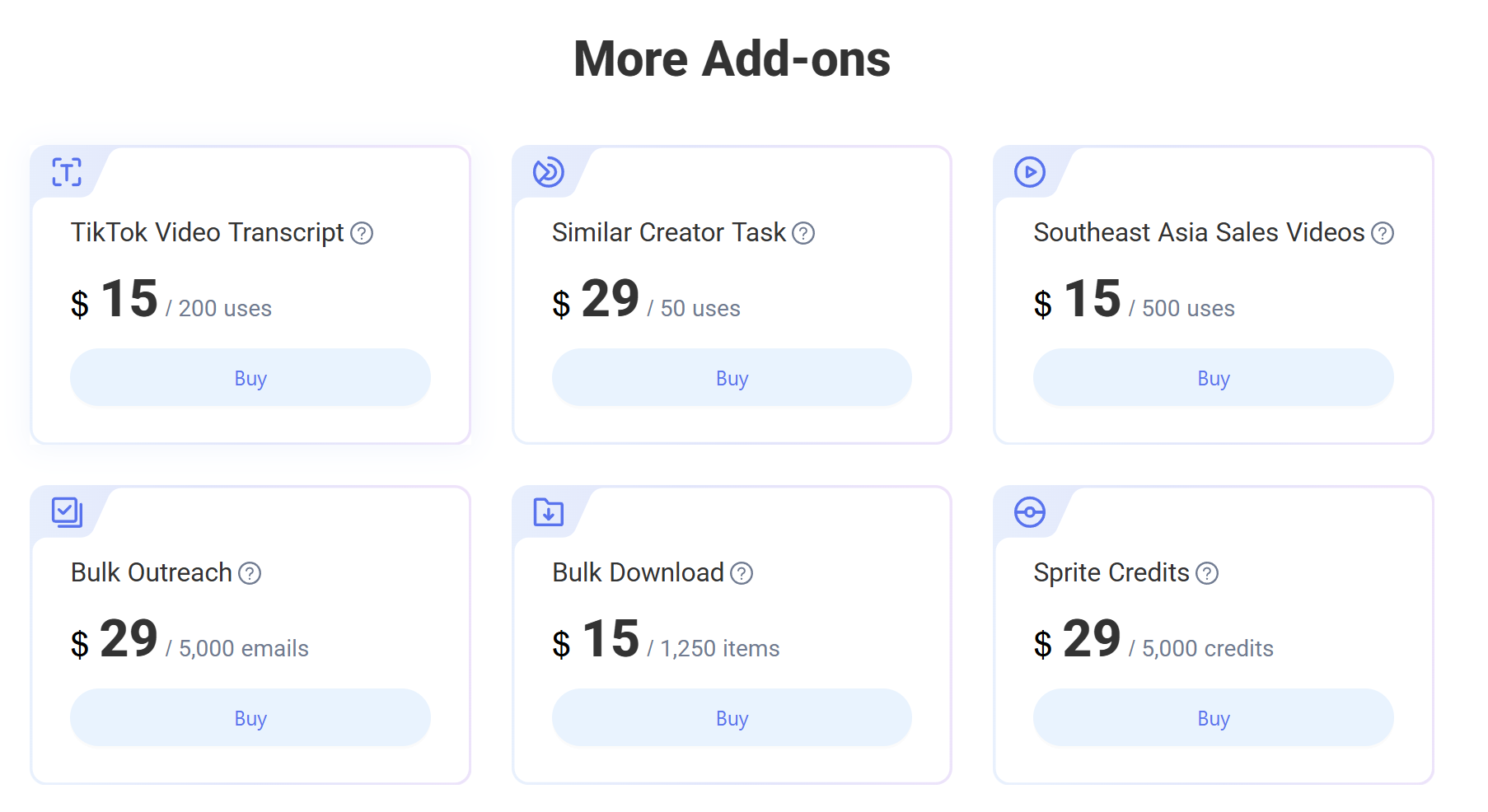
Yes. Free users can view the preview version. To unlock the full report, you need 20 Sprite credits per use. If your account does not have enough credits, you can buy a Sprite credit add-on package from the pricing page.
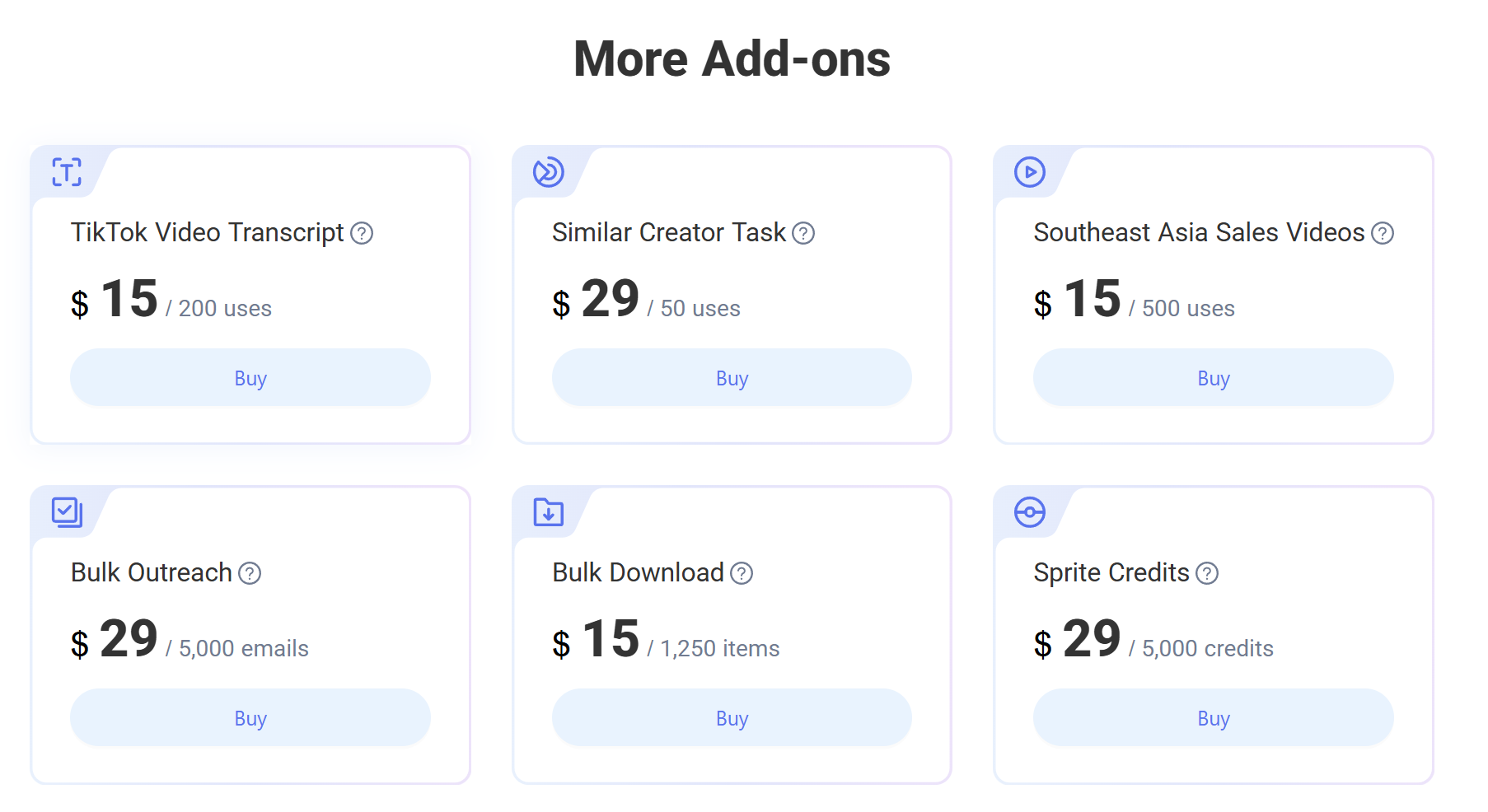
Purchase path: Go to the KOLSprite pricing page, scroll to the add-on package section, and buy Sprite credits.
 +
+
KOLSprite pricing page: More Add-ons section with Sprite Credits.
Q3: How many times can Personal and Pro members use it each month?
Personal members receive 1,000 Sprite credits per month. At 20 Sprite credits per full analysis, that equals up to about 50 uses per month.
Pro members receive 3,000 Sprite credits per month. At 20 Sprite credits per full analysis, that equals up to about 150 uses per month.
The actual number of uses depends on the Sprite credit balance in your account.
Q4: Do monthly Sprite credits roll over to the next month?
No. Monthly Sprite credits for Personal and Pro members expire at the end of the month and do not roll over. Use them according to your research pace.
Q5: What should I do if I do not have enough Sprite credits?
You can buy a Sprite credit add-on package separately and continue using the feature after the credits are added.
Purchase path: Go to the KOLSprite pricing page, scroll to the add-on package section, and buy Sprite credits.
 +
+
KOLSprite pricing page: More Add-ons section with Sprite Credits.
Q6: Why do some videos have shorter analysis results?
If the video has few comments or many repeated comments, AI has less useful information to extract. Prioritize videos with richer comment sections.
Q7: Can AI analysis fully replace human judgment?
No. AI improves efficiency, but product selection, paid promotion, and creator collaboration decisions should still combine data with your business judgment.
Q8: What is the difference between this feature and comment translation?
Translation helps when you cannot read the comment language. AI Comment Analysis helps when there are too many comments and you need to find the key points.
If the comment section includes many foreign-language comments, turn on comment translation first, then review the AI summary.
Q9: What can exported comments be used for?
Use exported comments for user feedback organization, competitor analysis, viral video review, script material extraction, creator evaluation, and team knowledge files.
Q10: Who is this feature for?
It is useful for TikTok sellers, Amazon sellers, DTC sellers, creator partnership teams, content operators, and short-video script planners.
If you need to find real user feedback, buyer signals, or potential opportunities inside TikTok comments, this feature is relevant.
Q11: Why is the "What people want to buy or ask" module sometimes empty even when I can see questions in the comments?
Comment volume, comment language, sorting, and content structure vary by video. The AI summary may not cover every question in the comment section.
You can try the following:
If you have questions while using AI Comment Analysis, Sprite credits, or membership access, scan the WhatsApp QR code below to contact KOLSprite support.
 +
+
Latest Articles

As an essential, data-driven toolkit for TikTok influencers and marketers, KOLSprite provides powerful features for effortless creator discovery, trending content identification, and actionable real-time insights.
It empowers users to make smarter decisions and significantly boosts their TikTok business.

 Refer & Earn