 +
+
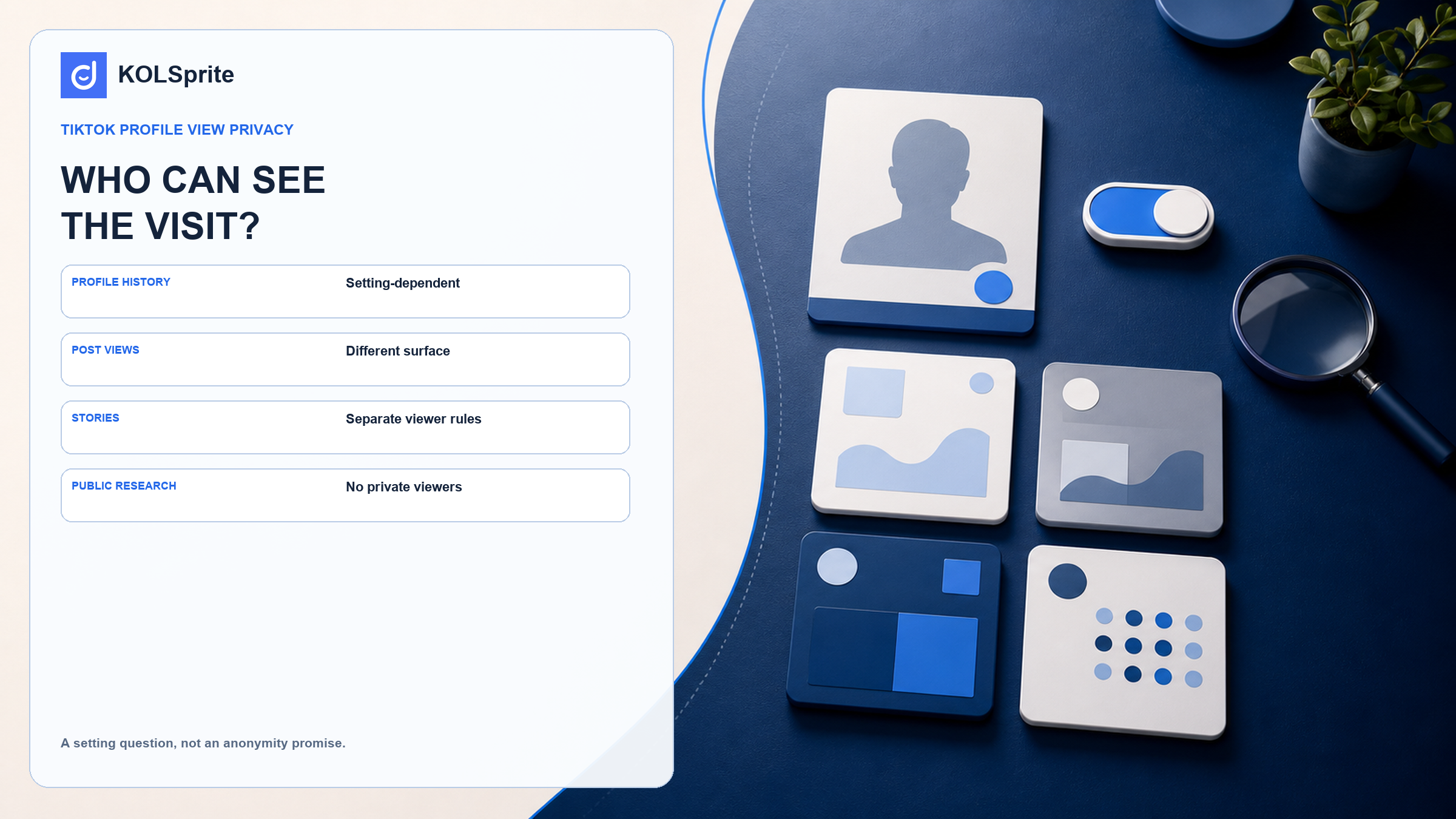
Does TikTok show who viewed your profile? Sometimes. A visit may show up when both people turn on profile view history and meet TikTok's current rules. The same answer does not apply to each post, Story, or public web search. Each is a different screen with a different question. This guide explains all four. It also sets a firm limit for privacy-conscious users and creator researchers: use public signals only. Do not claim that you can see private viewers. Do not promise that any visit will stay hidden.
A profile visit can appear in profile view history when both people have the feature turned on and meet TikTok's current eligibility rules. The feature is optional, and its behavior depends on the setting. TikTok explains those rules on its support pages for profile views and profile view history. You cannot assume that every profile visit stays hidden. You also cannot assume that every visit is disclosed. Check the current setting before you rely on either outcome.
This is why short answers create trouble. They flatten a feature rule into a permanent privacy promise. TikTok can change eligibility and feature behavior. The safest choice is to separate the surface you are about to use from the visibility rule that actually applies to it.
| What you view | Can the account identify you from the visit? | What to check |
|---|---|---|
| Profile | Sometimes, under profile-view-history rules. | Your setting, their setting, and TikTok’s current eligibility conditions. |
| Regular post | This is not the same question as profile views. | Do not transfer the profile-view answer to post viewing. |
| TikTok Story | Story viewing has its own viewer behavior. | Read TikTok’s current Stories guidance before assuming privacy. |
| Public web research | It does not grant access to hidden account data. | Keep the research to public signals and avoid anonymity guarantees. |
Source and scope: TikTok’s support pages on profile views, profile view history, and TikTok Stories are the authoritative basis for the feature distinctions here. Feature availability and behavior can change; this table is a reading guide, not a guarantee of anonymity or disclosure.
KOLSprite supports bounded public-profile and content research. It cannot reveal private viewers, bypass settings, or guarantee anonymity.
Register and claim a three-day trial
Profile view history works both ways. It is not a universal visitor log. When you turn it on, you may see eligible accounts that viewed your profile during the relevant period. TikTok's help material also explains the privacy tradeoff. The setting can make your own eligible profile visits visible to other people who use the feature. Decide whether you accept that tradeoff before you open a profile. Checking after the visit may be too late for that choice.
If privacy matters for a particular visit, pause and inspect your current settings in the app. Do not rely on a screenshot from an older guide, a friend’s account, or a blanket claim from a search result. Settings and eligibility are product behavior, and product behavior can change.
Opening a post is not the same as opening an account profile. Profile view history does not tell you what a creator may see about likes, comments, follows, or other acts on a post. Each act can leave its own signal. Do not apply the profile rule to a post view unless TikTok's help page says it does.
Stories need a separate check. TikTok documents Stories as their own format, with rules for what viewers can see. Before you open one, read the current TikTok support page for Stories. Do not treat a Story like a regular post or a profile. A common privacy mistake is to use a true rule from one screen on a different screen.
A creator researcher has a defined job. First, check whether a public account appears relevant to the brief. Review the public content signals and record why the account may deserve another look. Keep the work limited to public information that is appropriate to use. Do not make claims about private viewers, private profiles, hidden followers, or behavior you cannot see. In the research note, state what you observed. State what you did not check as well.
KOLSprite can support this limited public research. Start with the purpose. Review public profile and content signals only where it is appropriate. Do not make claims about hidden or private data. Save a short note that states what you saw. These guides explain the same limit in more detail: a TikTok anonymous viewer, safe public research, and a profile identity audit.
Join the KOLSprite Discord to discuss respectful public research, creator context, and the limits that should stay visible when privacy questions arise.
 +
+
Join the KOLSprite Discord community
KOLSprite cannot reveal private viewers. It cannot bypass TikTok's privacy settings, open private profiles, or promise that a visit is anonymous. An outside tool does not override TikTok's rules. If you need to know whether one person saw something, check the TikTok help page for that feature. Review your account settings as well. Public data cannot fill that gap.
Before you visit, name the surface: profile, post, Story, or public web page. Check whether the profile-view setting is relevant. Treat visible actions such as follows, likes, or comments as separate choices. Keep any research note tied to public evidence. If you cannot accept the remaining uncertainty, do not make the visit. That is a clearer decision than looking for an anonymous-viewing promise that the feature rules do not make.
“Anonymous viewing” can refer to several different concerns. One person may want to keep a profile visit off a list. Another may want to avoid a visible interaction. Someone else may worry that the account owner will infer interest from later activity. A setting may address one concern and leave the others untouched. Calling the whole visit anonymous hides those differences. It can make a reader more confident than TikTok's product rules allow.
Use direct language in a research note. “Viewed public profile information,” “read public captions,” or “did not interact” describes the action. It does not promise that no platform signal exists. It also avoids suggesting that public browsing creates special access to a person’s private account activity.
Use TikTok's support pages instead of copied social posts when you check a current feature. Read the page for the account and viewing surface in question. Eligibility can vary. A setting may be off by default, or the user may have changed it. TikTok can also update a feature. If one person sees a profile-view history option, that does not prove every account works the same way. Check the account in front of you.
For a team, write one rule: use public facts only. Do not promise anonymity. Stop when the work needs private data. This short rule is easier to follow than a set of tricks meant to make browsing look “safe.” It also keeps the team from confusing its own research rule with TikTok's privacy controls.
If a profile visit could cause a real privacy issue, you have three choices. Check the setting and then use the app. Limit the task to public web pages that fit your purpose. Or do not visit the profile. Pick based on why you need the information and how much risk you will accept. No outside tool can choose for you.
A permanent yes or no may sound more satisfying, but it would be less accurate. TikTok has separate rules for profile history, Stories, and other visible actions. The basic limit stays the same: public research cannot open private account information.
A short research note can protect both privacy and accuracy. Record the public page, the date, and the content you could see. Add why it mattered to the brief. Do not guess who saw whom, what a private account holds, or whether the visit stayed hidden. A teammate can then assess the work without a story based on hidden data.
The same habit can prevent surprises for everyday users. Before a sensitive visit, ask whether you only want to read or plan to interact. Public information may be open to read. A follow, like, comment, or Story view can follow a different visibility rule. Check that rule first. Then decide whether you are comfortable taking the action.
When two guides disagree, return to the relevant TikTok support page and the setting in your account. Third-party articles can become stale. TikTok may also change a feature label. Leave room for those changes instead of promising a privacy result you cannot control. If you are still unsure, choose the least revealing action that meets your purpose. You can also postpone the visit until you can check. That choice keeps you from relying on a rule that may not apply to the screen in front of you. Privacy questions need a current answer. Pause before a sensitive visit and confirm that the rule you remember still covers this account, this screen, and the action you plan to take.
Latest Articles

As an essential, data-driven toolkit for TikTok influencers and marketers, KOLSprite provides powerful features for effortless creator discovery, trending content identification, and actionable real-time insights.
It empowers users to make smarter decisions and significantly boosts their TikTok business.

 Refer & Earn